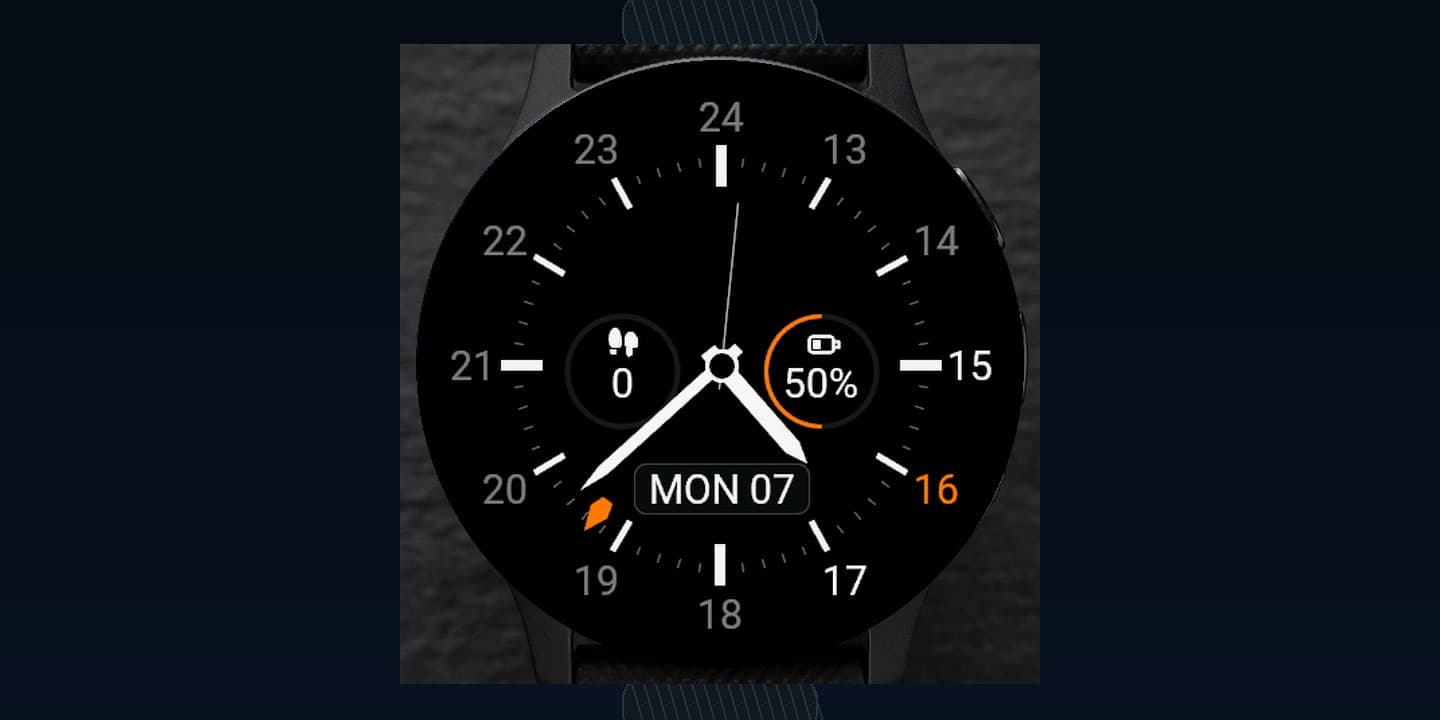
What it does
Meridian GMT is a refined analog watch face for local time and a second time zone on one beautiful dial. Configure the dial, hands, GMT source, hour ring, data circles, themes, and accent colour directly on the watch or through Garmin Connect. Progress rings only appear when the selected data makes them meaningful.
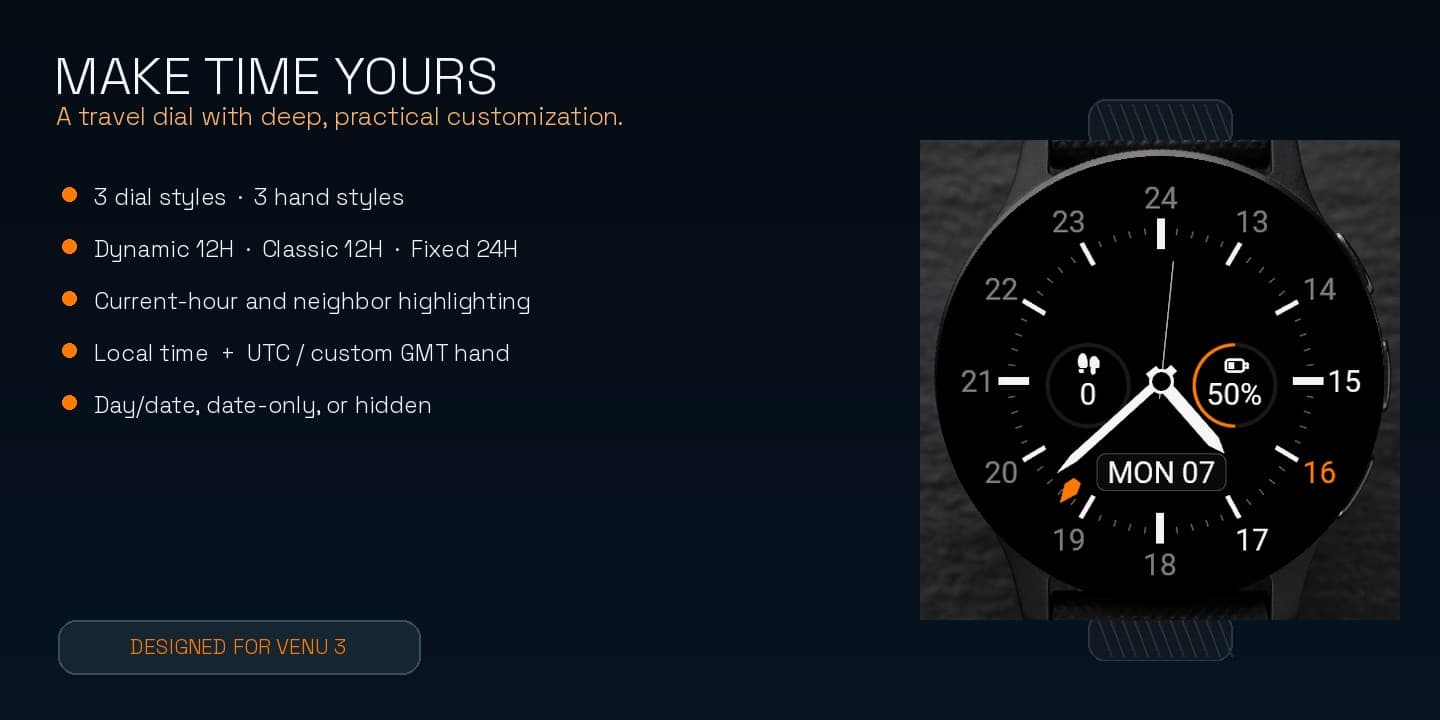
- Clean Baton, Thick Baton, and Minimal dial styles with Modern, Slim, or Bold hands
- Optional GMT hand using UTC, local time, or a custom offset from −12 to +14 hours
- Dynamic 12H, Classic 12H, Fixed 24H, or hidden hour ring with current-hour highlights
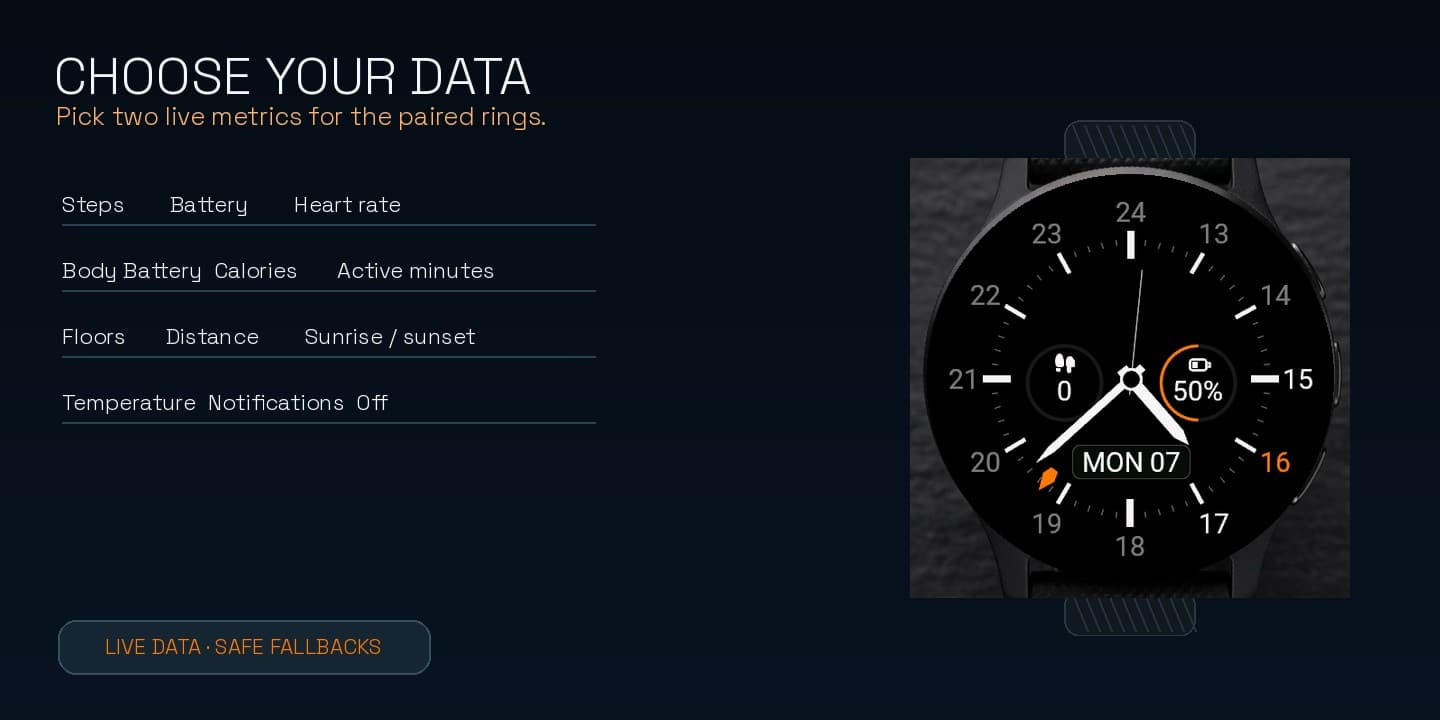
- Two configurable data circles: steps, battery, heart rate, Body Battery, calories, distance, weather, sunrise, notifications, and more
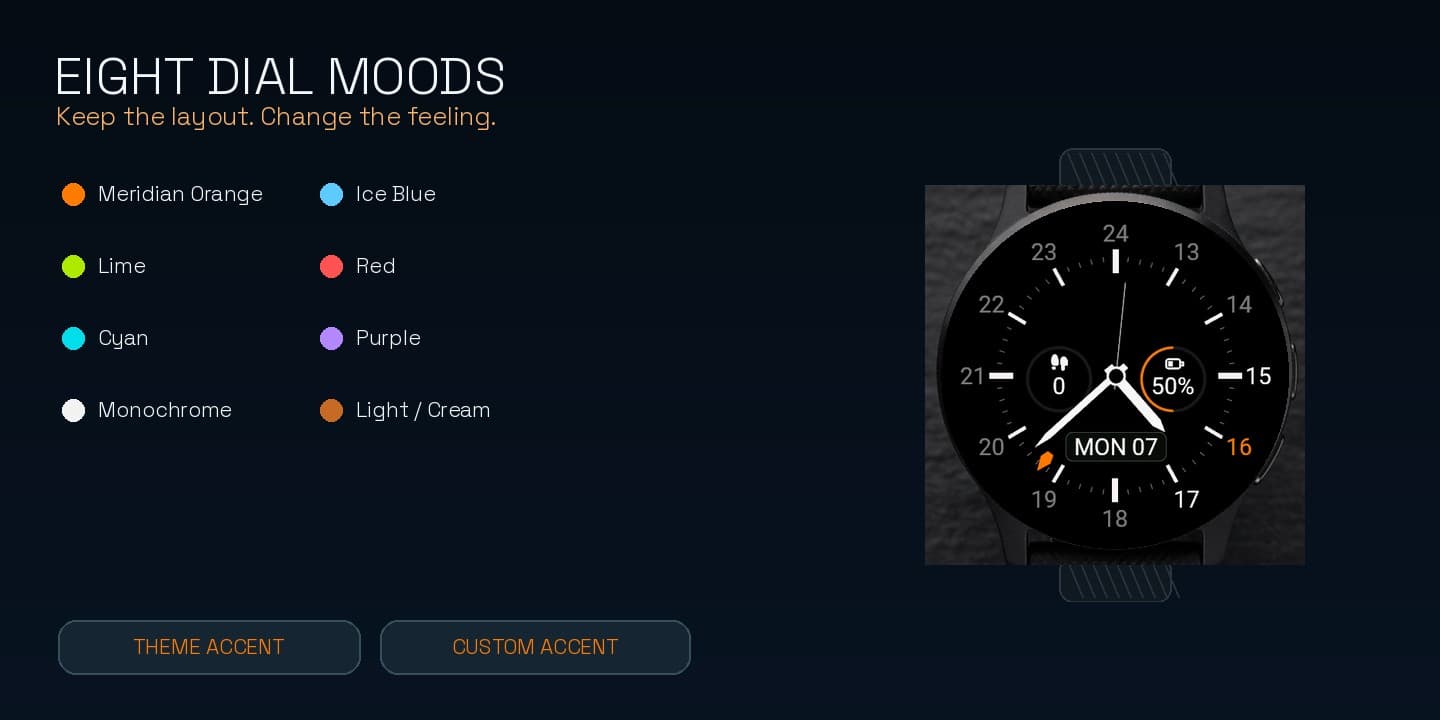
- Eight themes plus custom accent colour, date and time details, and meaningful progress rings
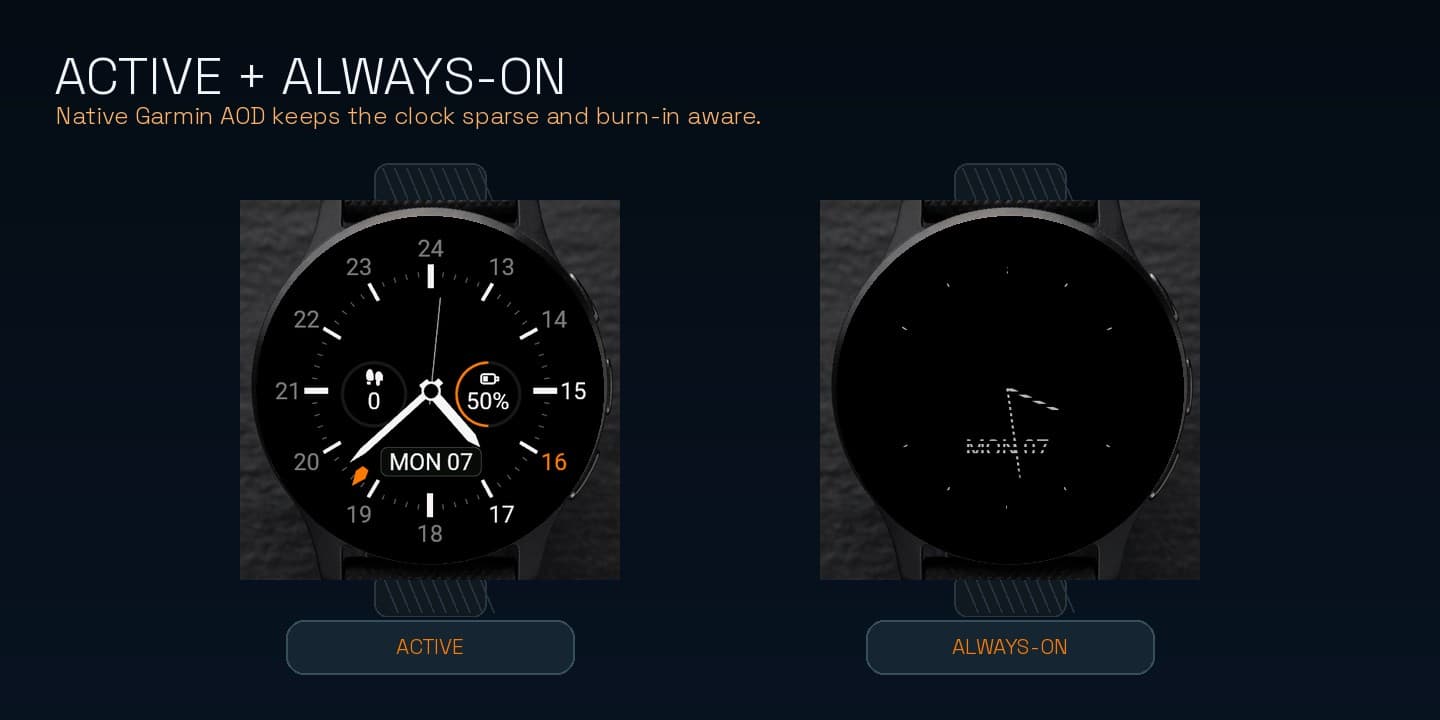
- Native Always-On for round, rectangular, semi-round, AMOLED, MIP, and Crossover displays
How it works
Install Meridian GMT from Connect IQ.
Set the dial and hand style, choose a GMT source or custom offset, then select two data circles.
Use the native Always-On layout with the same theme and a deliberately sparse analog display.
Free on Connect IQ
Meridian GMT is free. Install from Connect IQ and customize GMT offsets, themes, and data fields on the watch.
Install from the official listing. No KiezelPay.
Compatibility
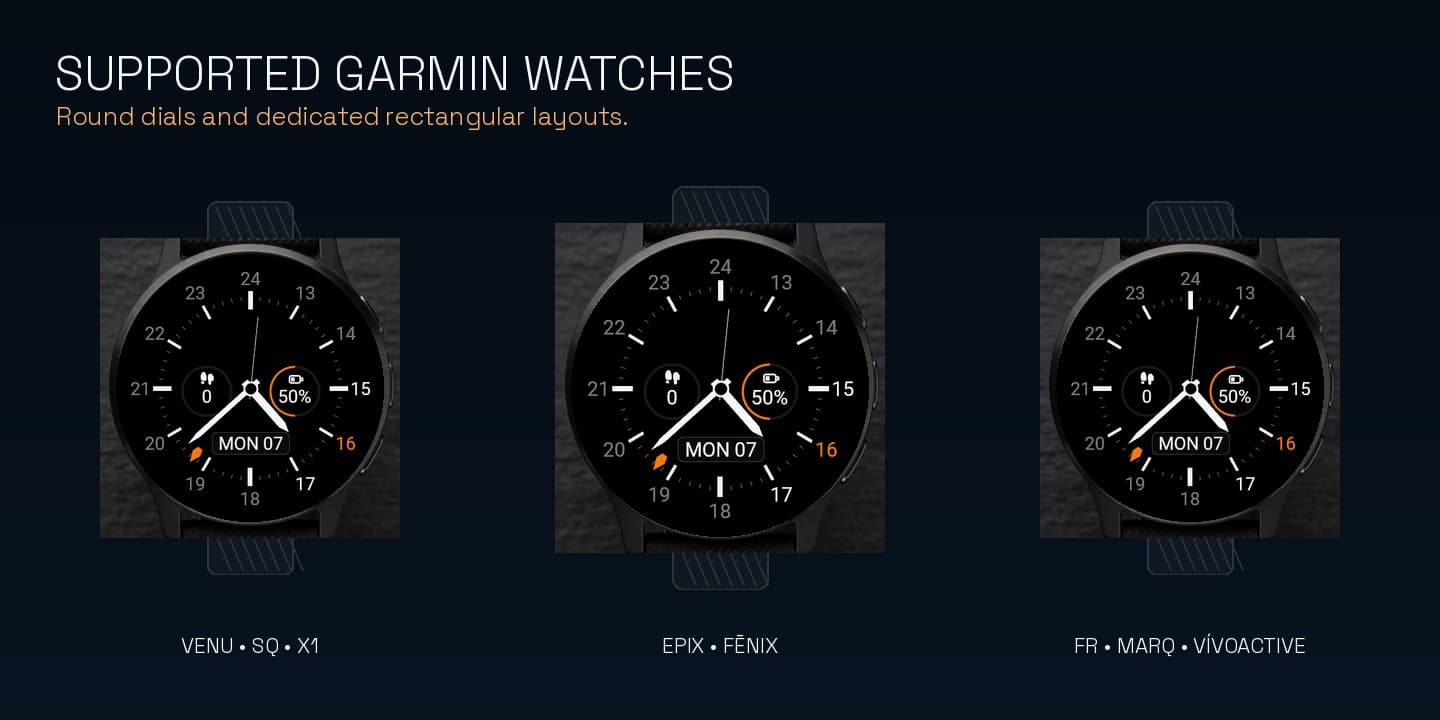
108 supported variants across round, rectangular, semi-round, AMOLED, MIP, and Crossover displays · Venu / Venu Sq / Venu X1 · Forerunner · fēnix · epix · Instinct · MARQ families · Approach · D2 · Descent · Enduro · vívoactive families