Watch app
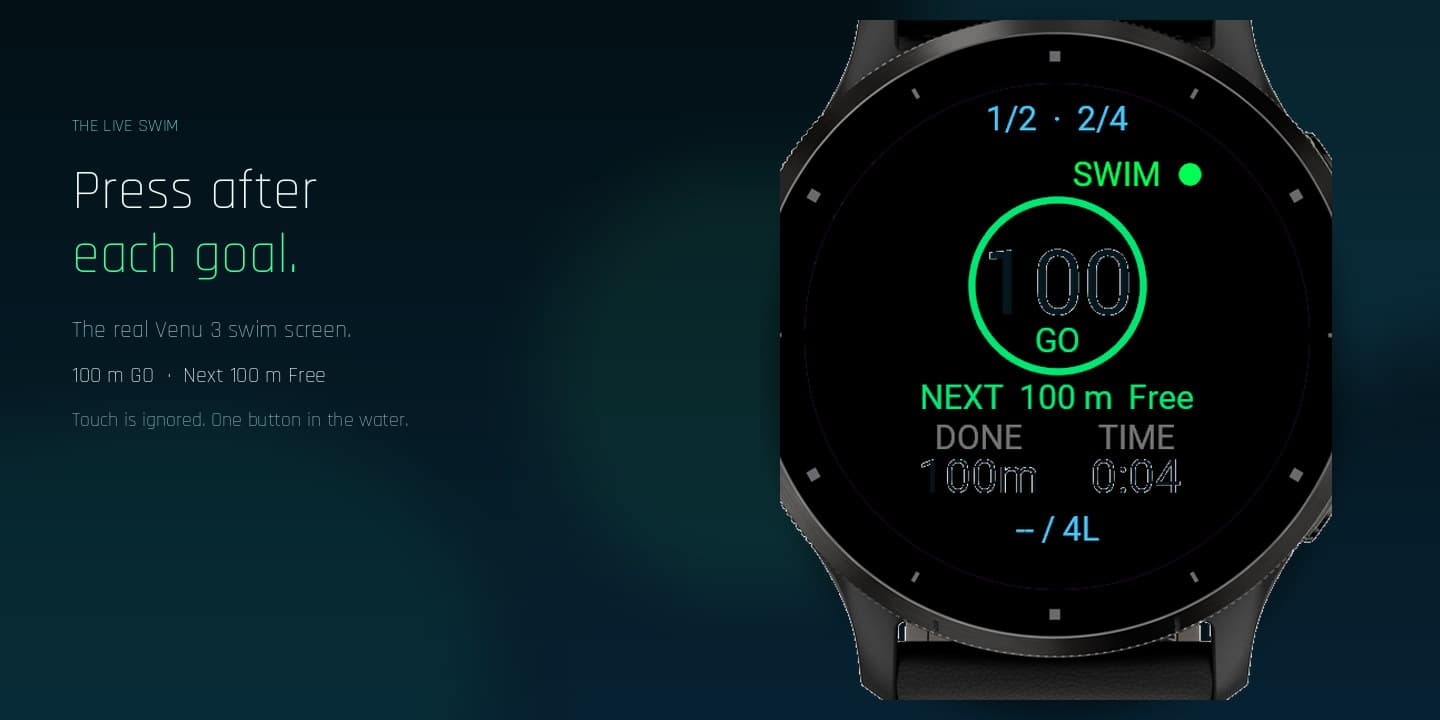
SwimView on Garmin records one native swim activity: indoor pool, outdoor pool, or open water with GPS. In the water you press after each planned goal. Touch is ignored.
Loading
Your portfolio, moving forward.
Booting your dashboard shell
Syncing prices, analytics, and portfolio state...
Not released yet
SwimView is not on Connect IQ yet. The watch app and planner below are the product as it will ship: plan on the phone if you want, record one native Garmin swim, press after each goal, then save to Garmin Connect.
SwimView on Garmin records one native swim activity: indoor pool, outdoor pool, or open water with GPS. In the water you press after each planned goal. Touch is ignored.
Official Garmin Connect pairs the watch and carries FIT activities. Pairing is never done inside SwimView. Connect is also the message bridge to the optional planner.
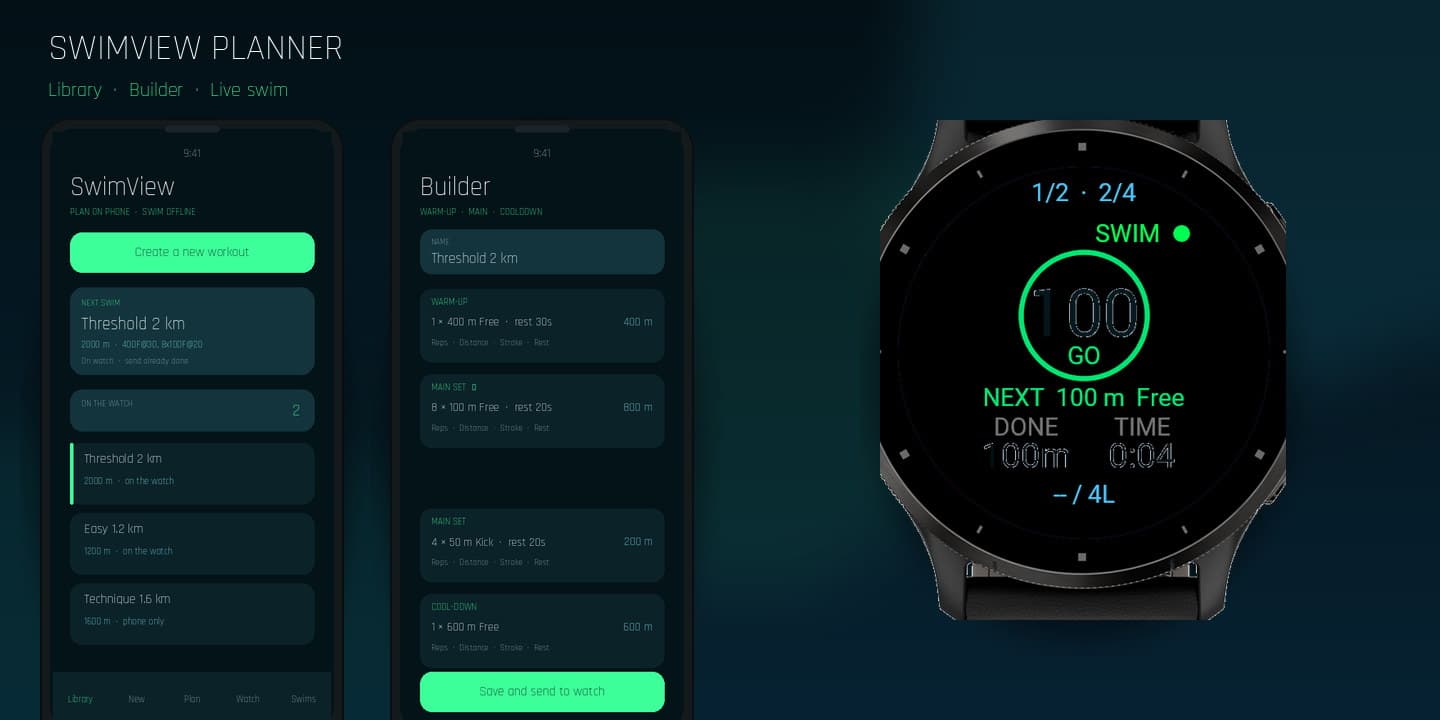
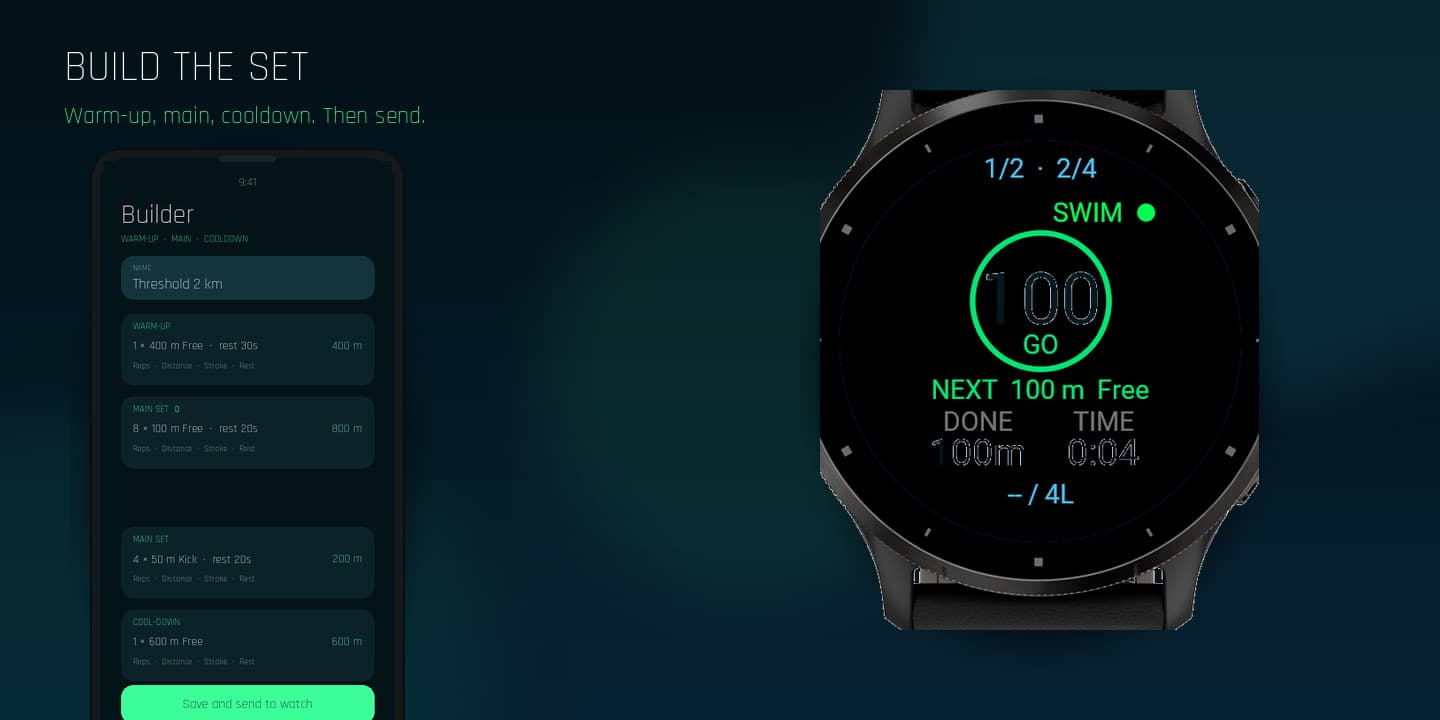
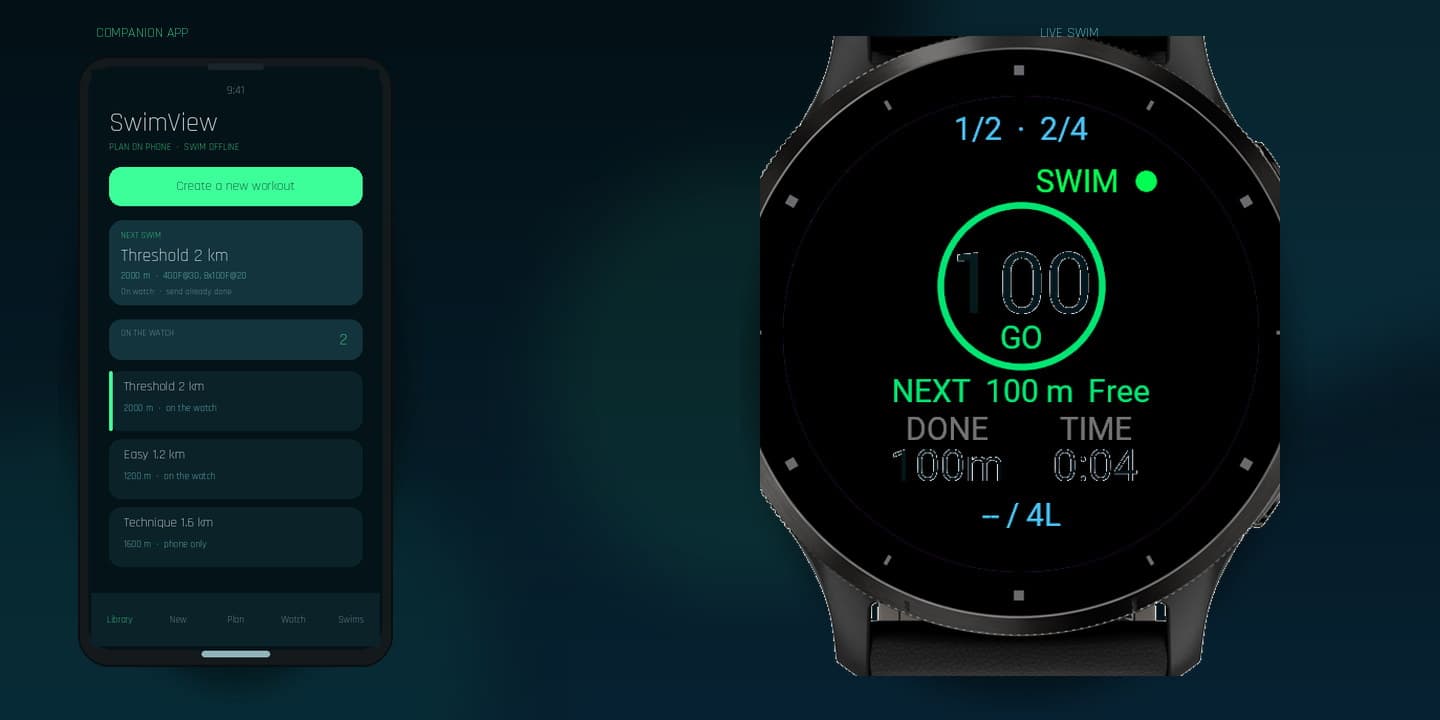
Optional Android and iPhone companion. Build warm-up, main set, and cooldown blocks, send up to 20 workouts to the watch, then review metres, HR, and calories after Save.
Session
Build a workout on the phone or pick a built-in plan on the watch. Send the library. On the watch open Workout → Phone workout library, or use an on-watch slot.
Set indoor, outdoor, or open water and the real pool length. Check HR and GPS on the ready screen. Start. Press after each goal. The watch writes one FIT swim.
Fix lengths on the watch if needed. Then Garmin Connect now, or Phone first to correct metres / HR / kcal in Planner and commit the same activity to Connect.
On Garmin
SwimView is a Connect IQ device app, not a watch face. It records the swim itself. Garmin's sensors still own heart rate and native length counting. SwimView adds the workout, the goal press, and planned versus actual metres into the same activity.
On the phone
The planner is optional. You can swim with only the watch and Garmin Connect. Use the planner when you want a library, a calendar, or to correct the activity on the phone before it lands in Garmin Connect.
Honest limits
Downloads
Install SwimView on the watch from the official store. UUID 5D9E5ED4-925F-4B93-B213-FEFFF293D9D2.
Open listingSwimView Planner sideload. Garmin Connect must be installed. Uninstall any old debug build first.
Download APKNo App Store build yet. Download the Xcode project, open it on a Mac, run on your iPhone. Garmin Connect must be installed.
Install on iPhoneStep-by-step: install on Garmin · install on Android
SwimView is not released. The planner downloads stay here for testers. Pairing will stay in Garmin Connect when the watch app ships.
SwimView is not on Connect IQ yet.
On a real watch
The live Venu 3 swim screen next to SwimView Planner on the phone.