01
Install the preview from the NielsV Connect IQ profile when the listing is published.
Loading
Your portfolio, moving forward.
Booting your dashboard shell
Syncing prices, analytics, and portfolio state...
What it does
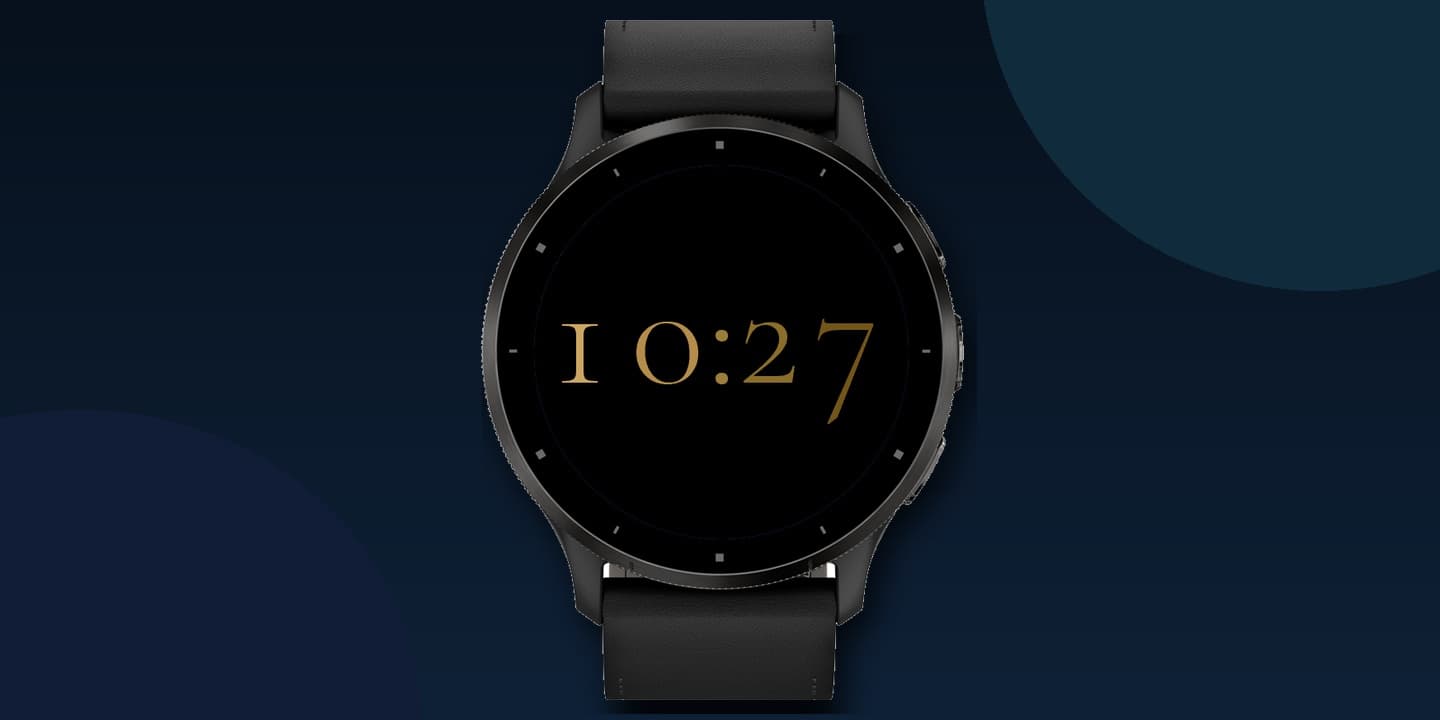
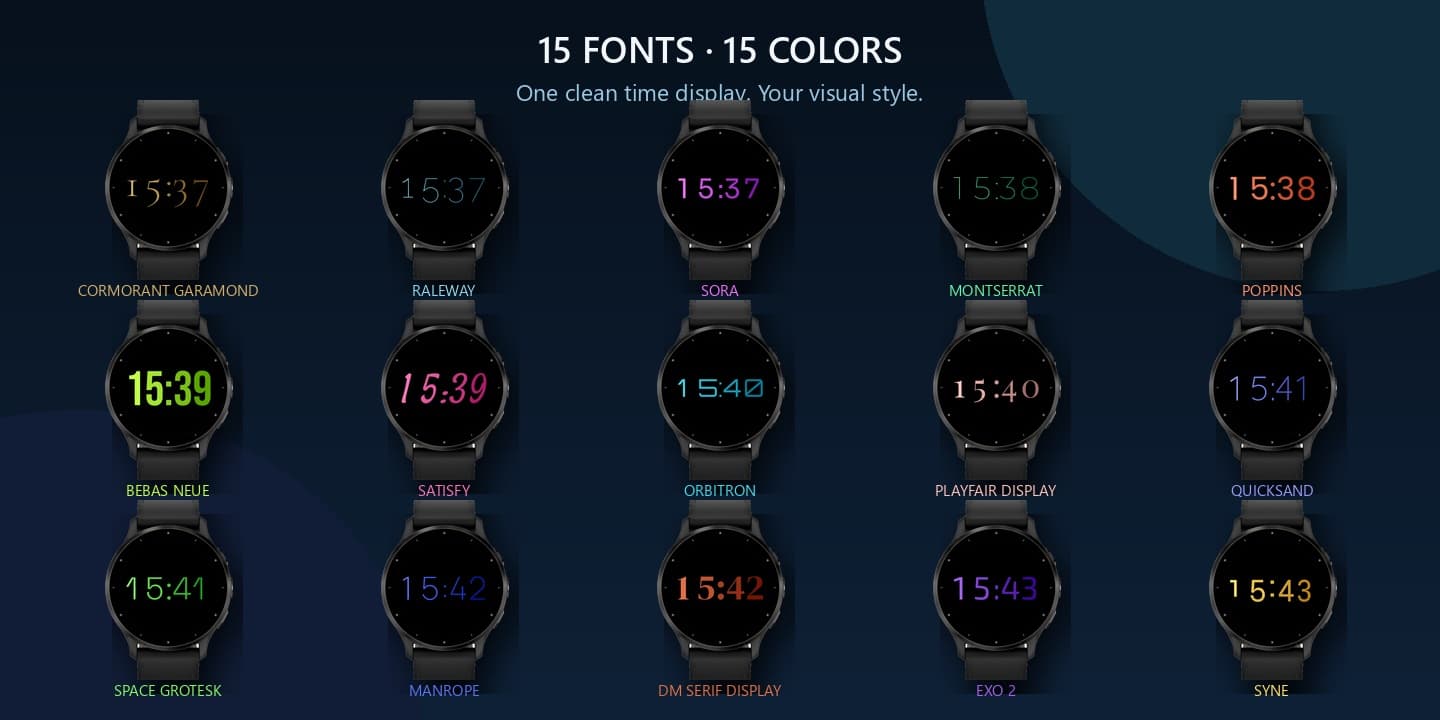
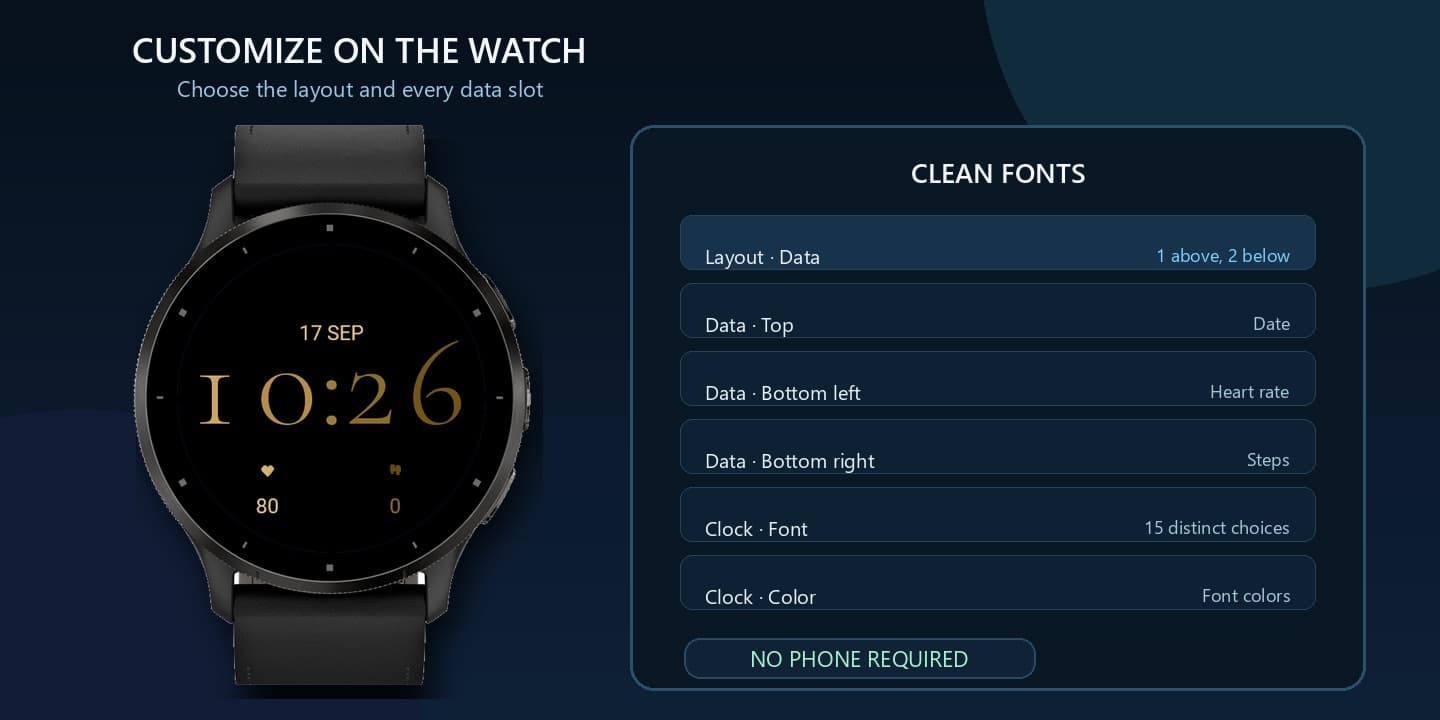
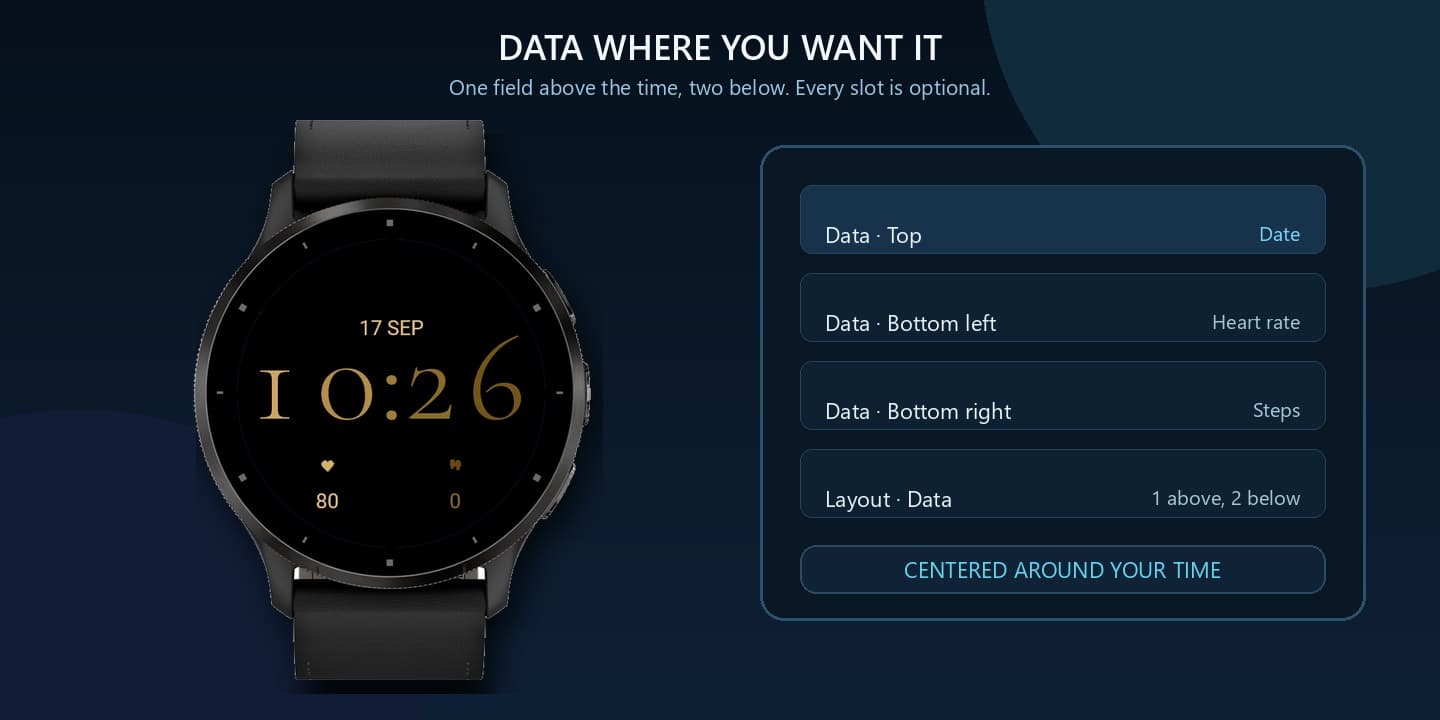
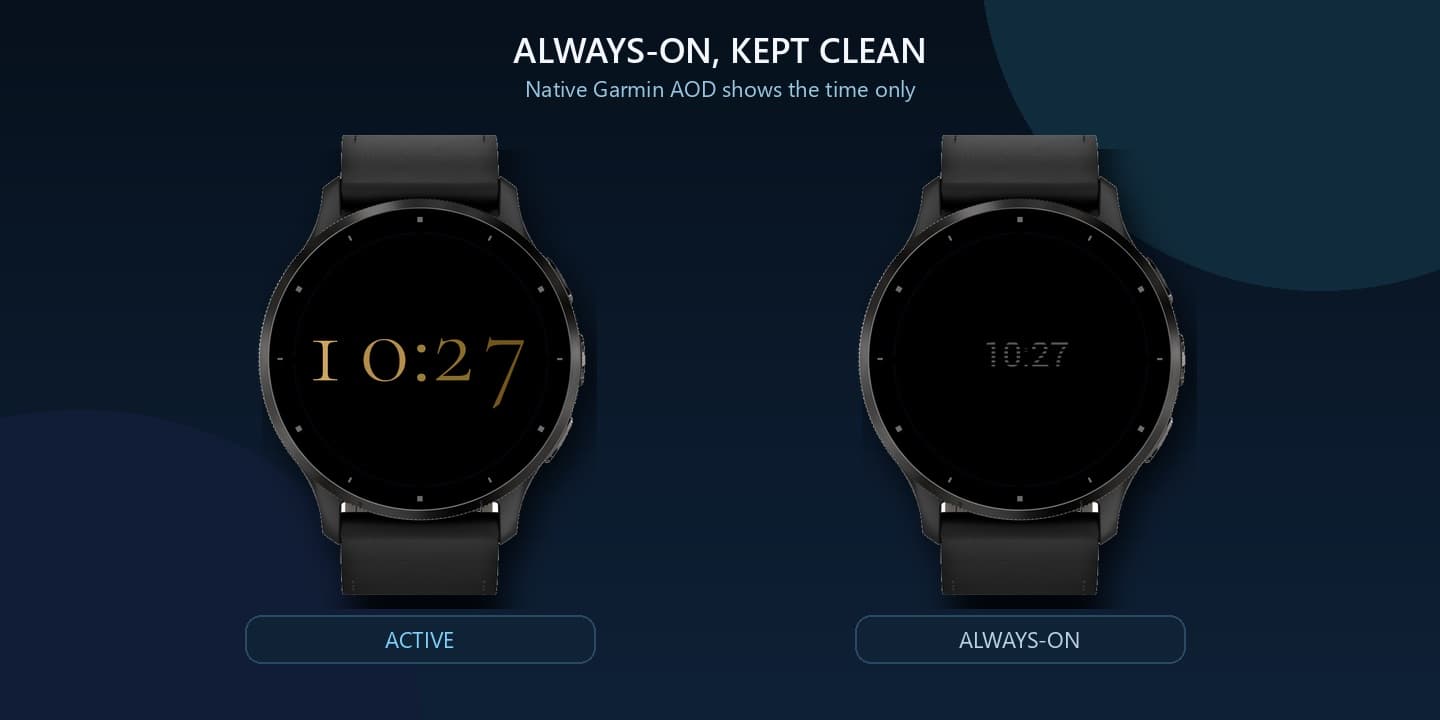
CleanFonts keeps the time beautifully simple while giving you room to make it personal. Choose from 15 deliberately different typefaces, each paired with its own carefully separated color, or use a clean white presentation when you want a quieter look. Use a time-only face, place one data item above and two below the time, or reverse that arrangement. Everything adjusts from the watch settings. No account and no personal data transmit. On compatible AMOLED watches, Always-On stays restrained with the time as the focus.
How it works
01
Install the preview from the NielsV Connect IQ profile when the listing is published.
02
Hold the face → Customize: font, color mode, data layout, and each data slot.
03
Use the native Garmin Always-On layout on supported AMOLED watches.
Install
CleanFonts is presented here with its complete design and settings. The official Connect IQ listing will replace this preview link when it is published.
The Connect IQ listing is being prepared.
NielsV on Connect IQCompatibility
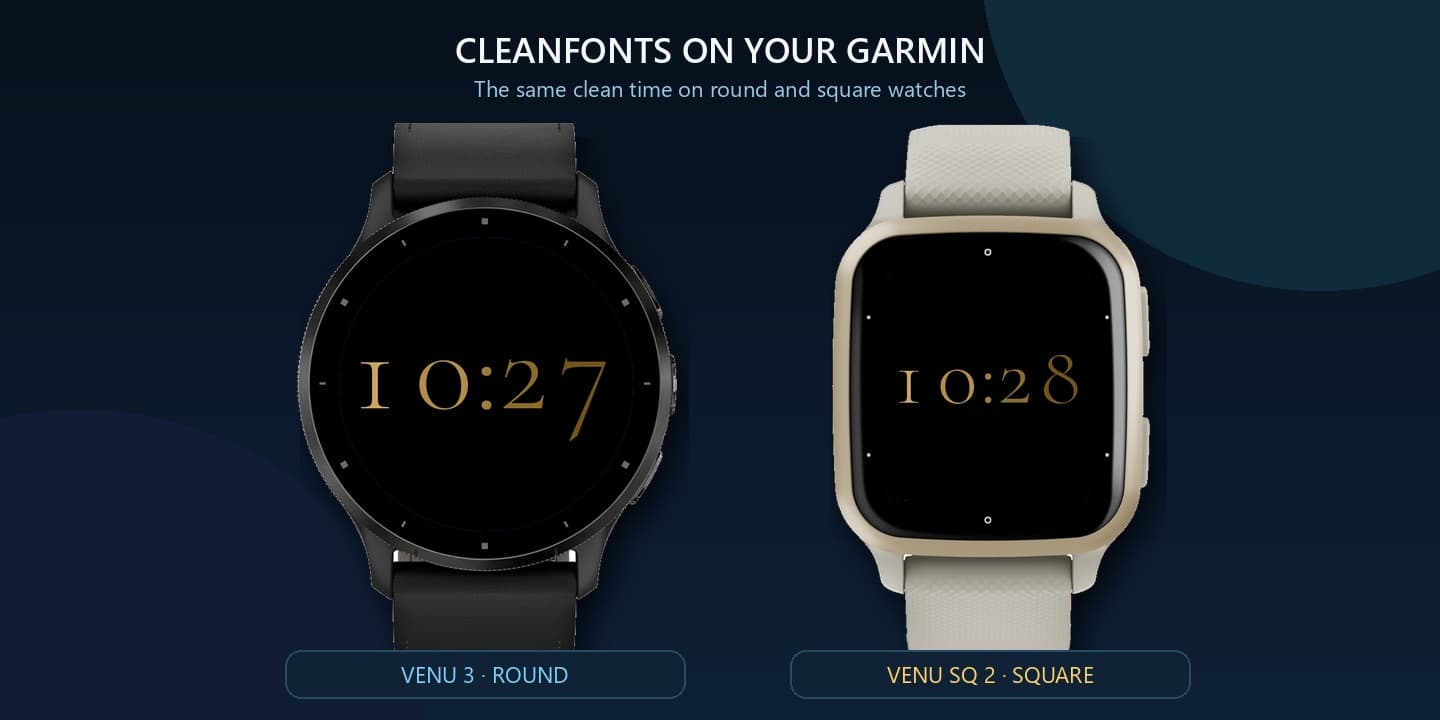
Full digital watch matrix across Venu, Forerunner, fēnix, epix, and vívoactive families · Round and rectangular AMOLED and MIP layouts
CIQ 3.2.0+ · Native AOD with sparse time-focused layout · Native AOD