01
Install the preview from the NielsV Connect IQ profile when the listing is published.
Loading
Your portfolio, moving forward.
Booting your dashboard shell
Syncing prices, analytics, and portfolio state...
What it does
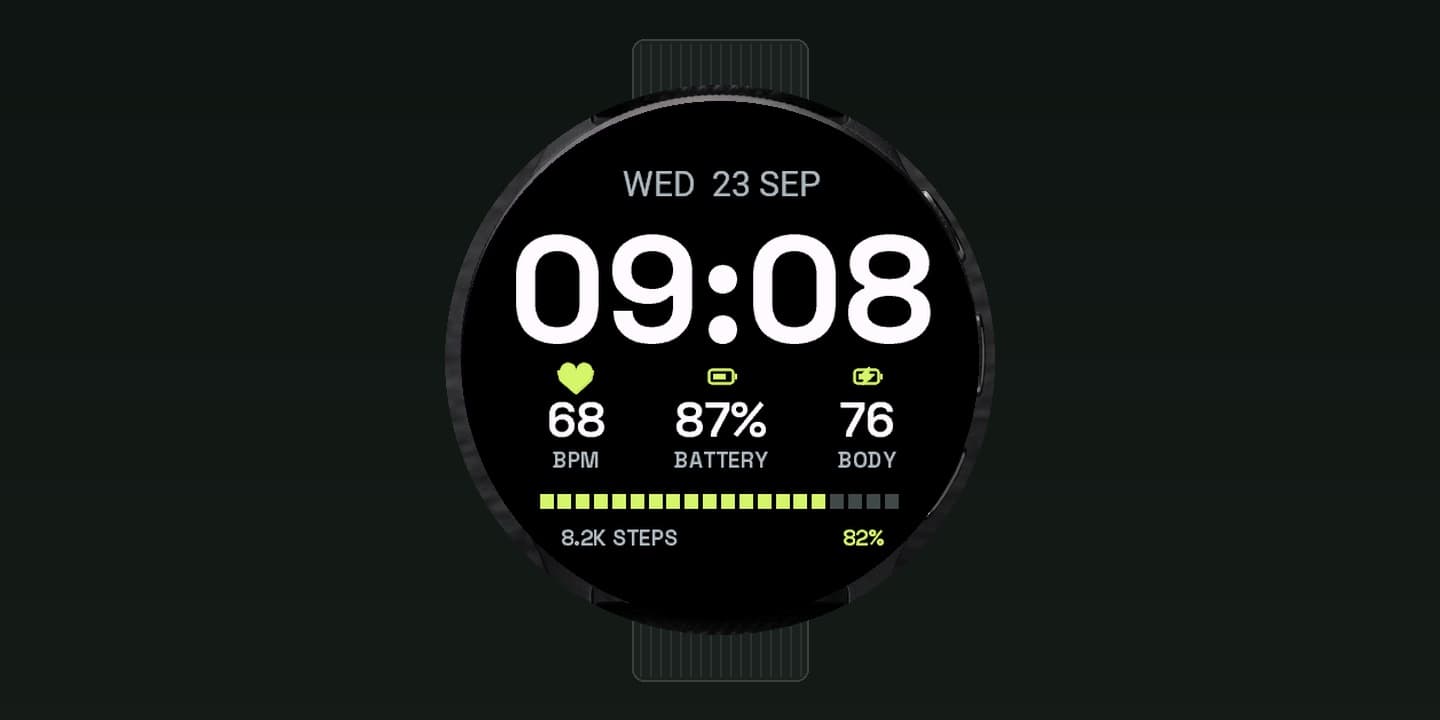
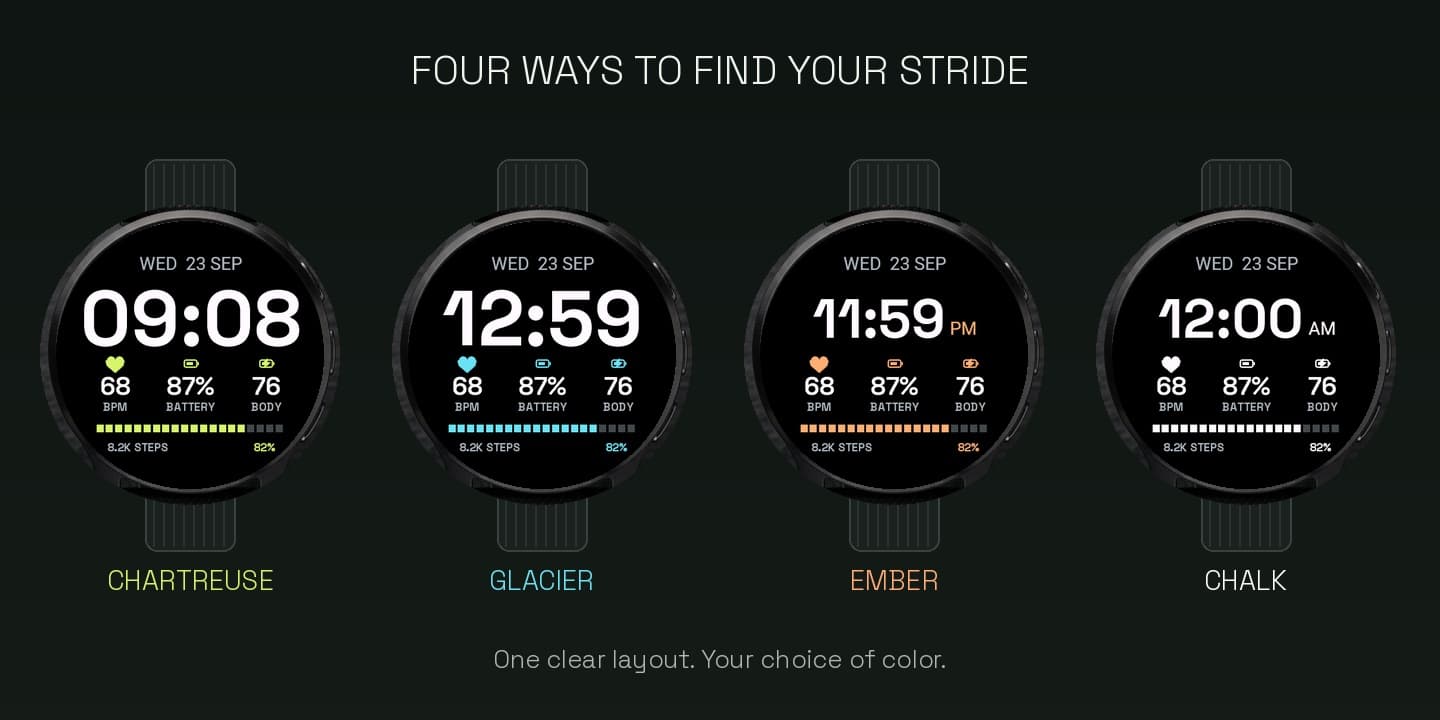
Stride Index combines Space Grotesk typography with a twenty-segment activity index and three customizable data slots. A bold, readable clock keeps everyday metrics and one clear line toward your daily step goal. Choose Chartreuse, Glacier, Ember, or Chalk. No API key, external account, or subscription.
How it works
01
Install the preview from the NielsV Connect IQ profile when the listing is published.
02
Choose a palette, time format, and three data slots in Connect IQ or on-watch Customize where supported.
03
Use the native Always-On layout on supported AMOLED firmware.
Install
Stride Index is presented here with its complete design and settings. The official Connect IQ listing will replace this preview link when it is published.
The Connect IQ listing is being prepared.
NielsV on Connect IQCompatibility
Launch devices: Venu 3, Venu Sq 2, Forerunner 55
CIQ 3.2.0+ · Native AOD on supported AMOLED firmware; MIP uses a full minute-updated face · Native AOD