01
Install from the NielsV Connect IQ profile when the listing is published.
Loading
Your portfolio, moving forward.
Booting your dashboard shell
Syncing prices, analytics, and portfolio state...
What it does
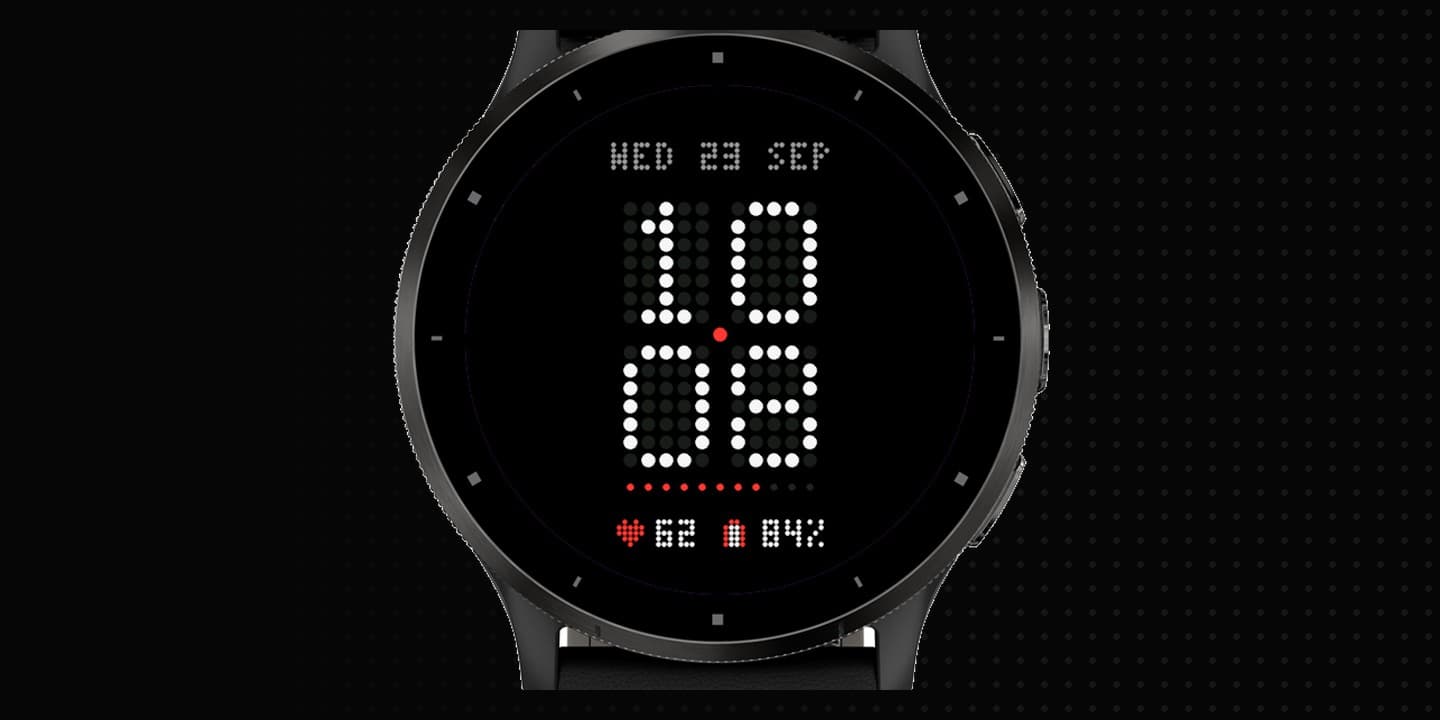
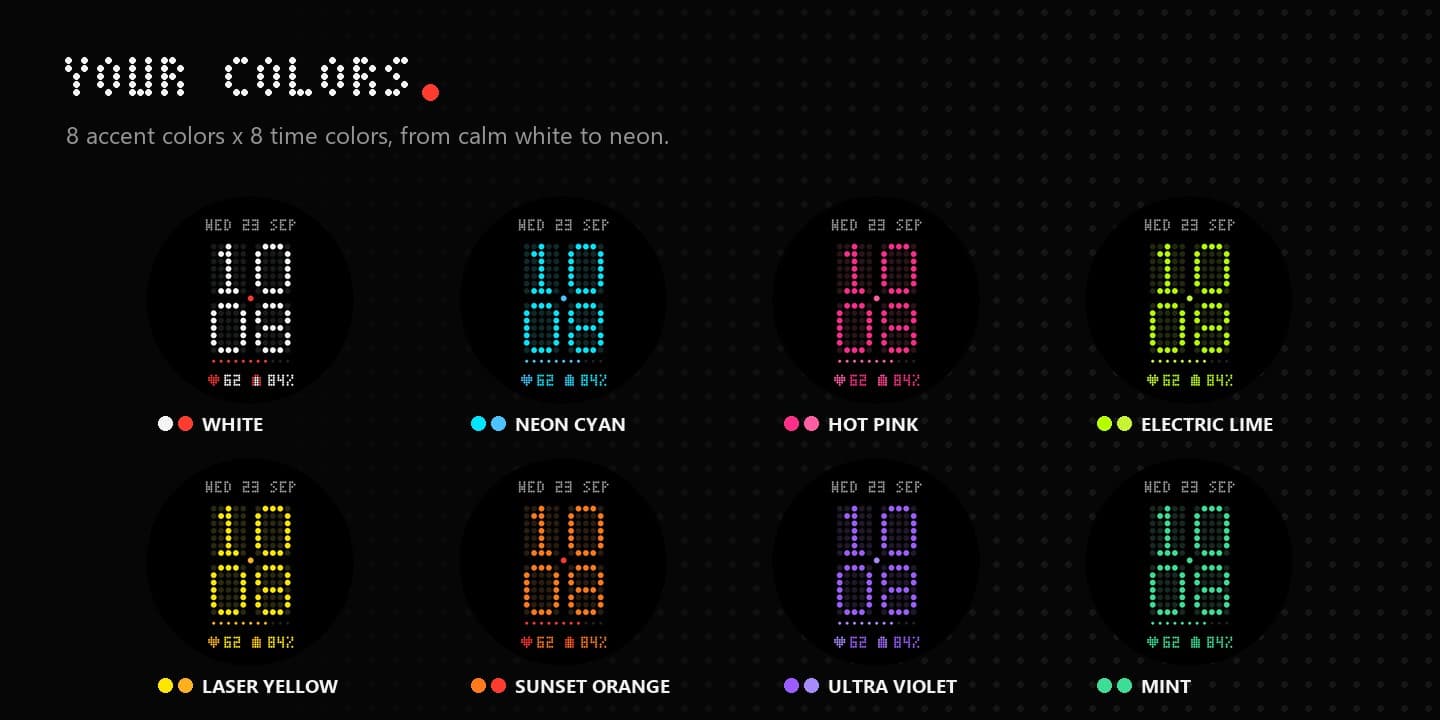
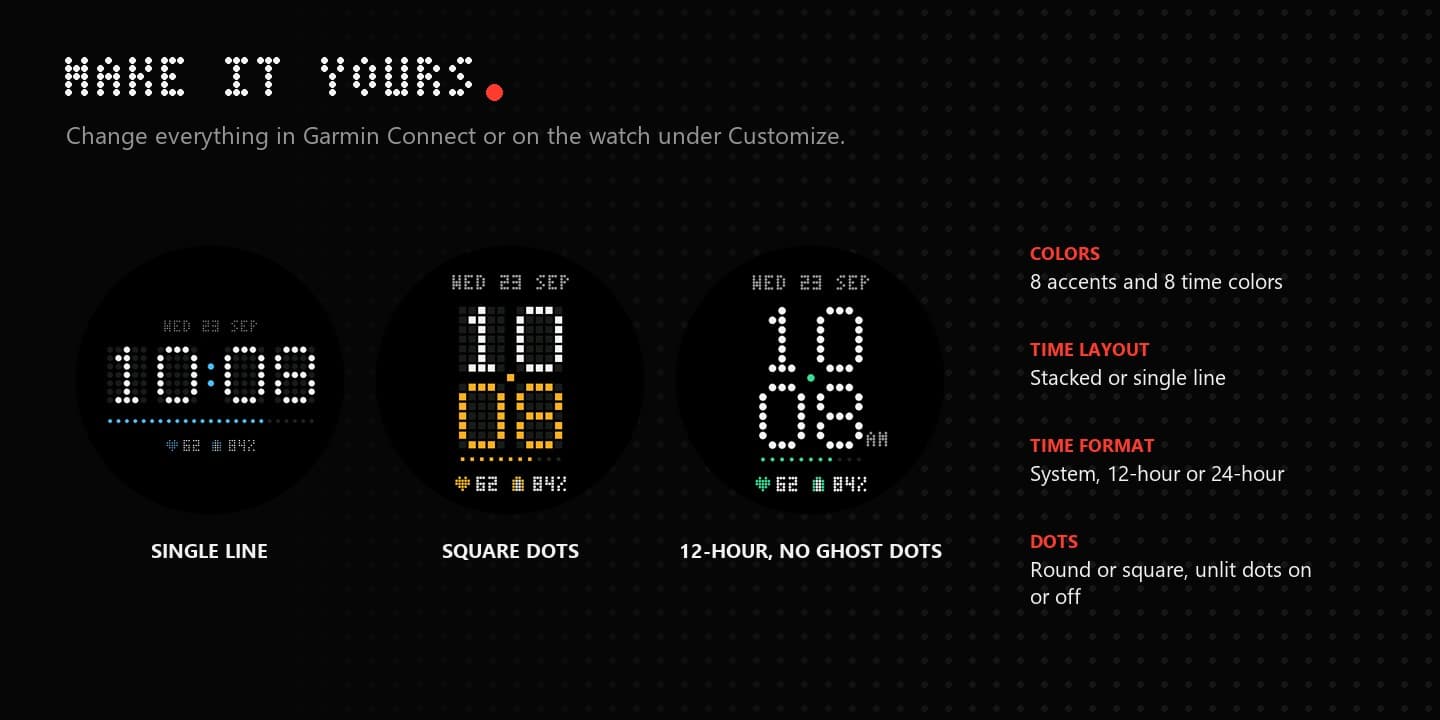
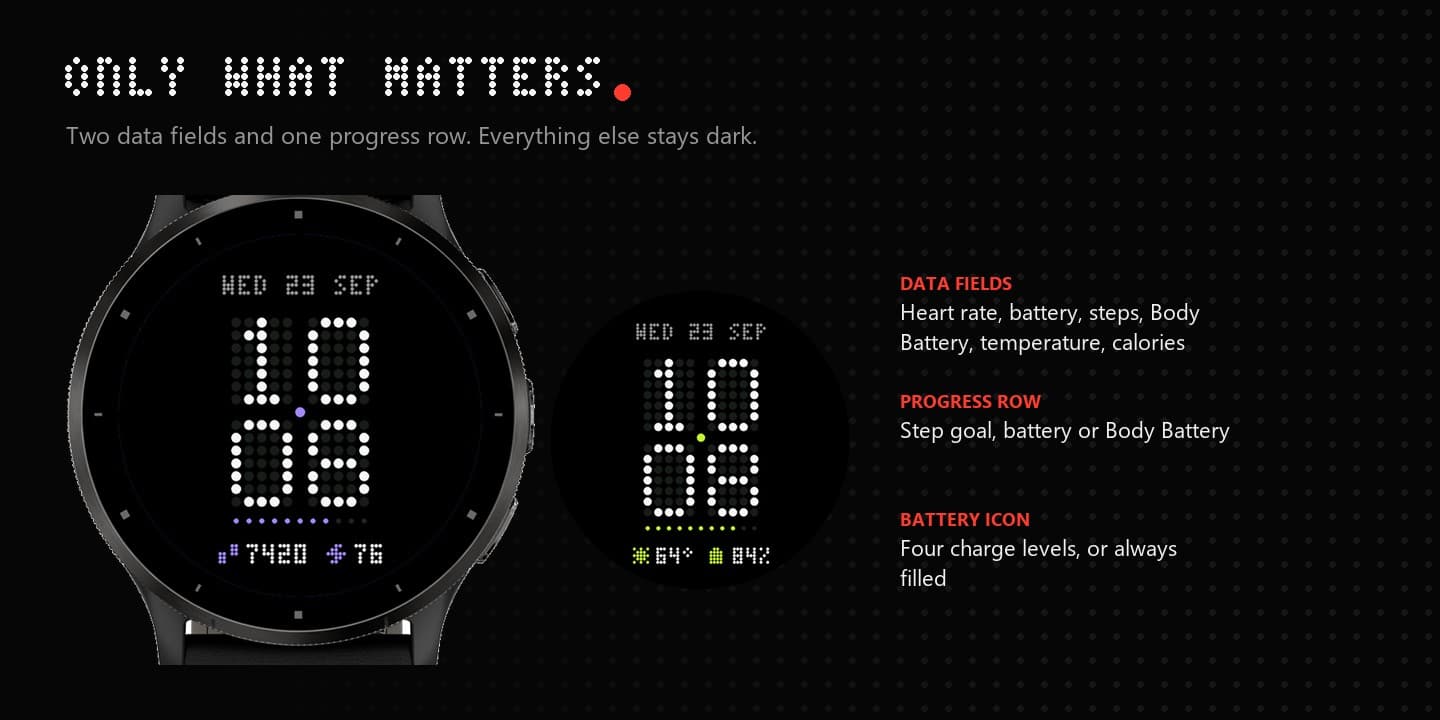
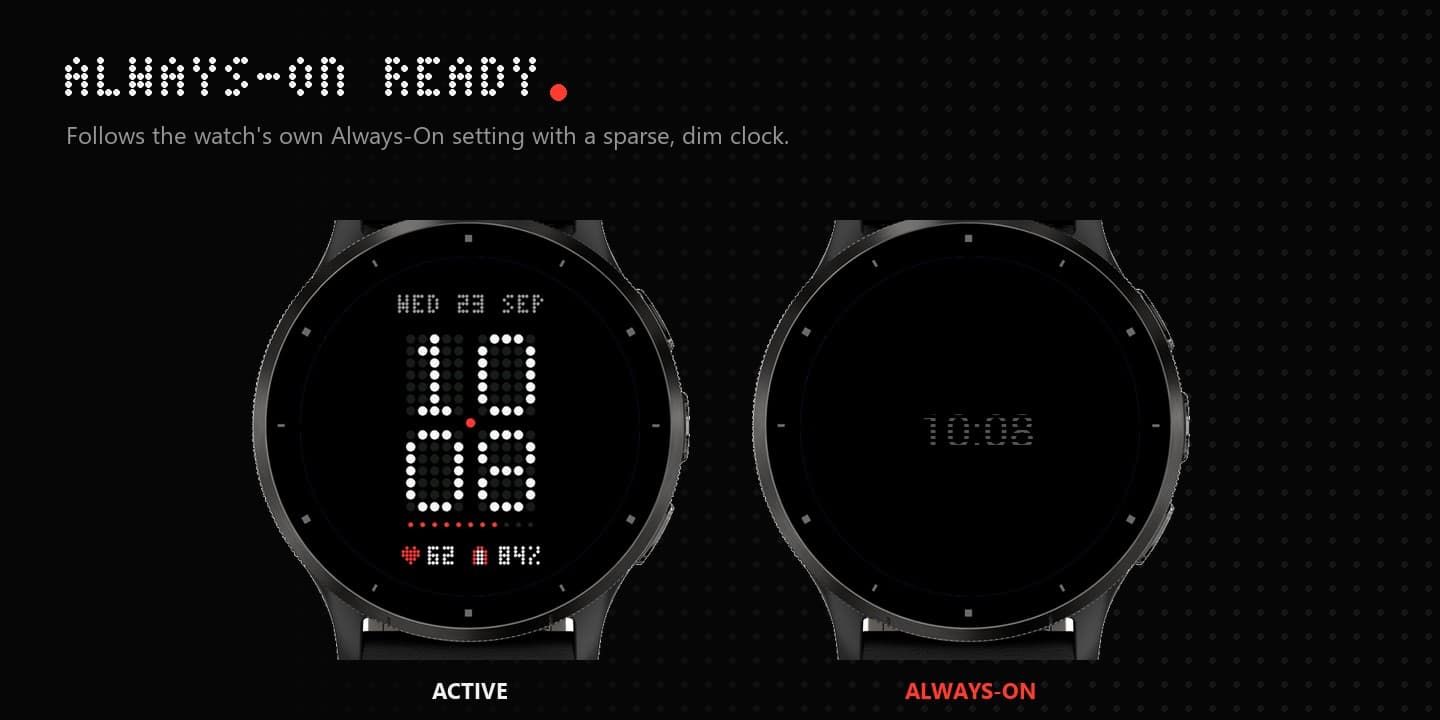
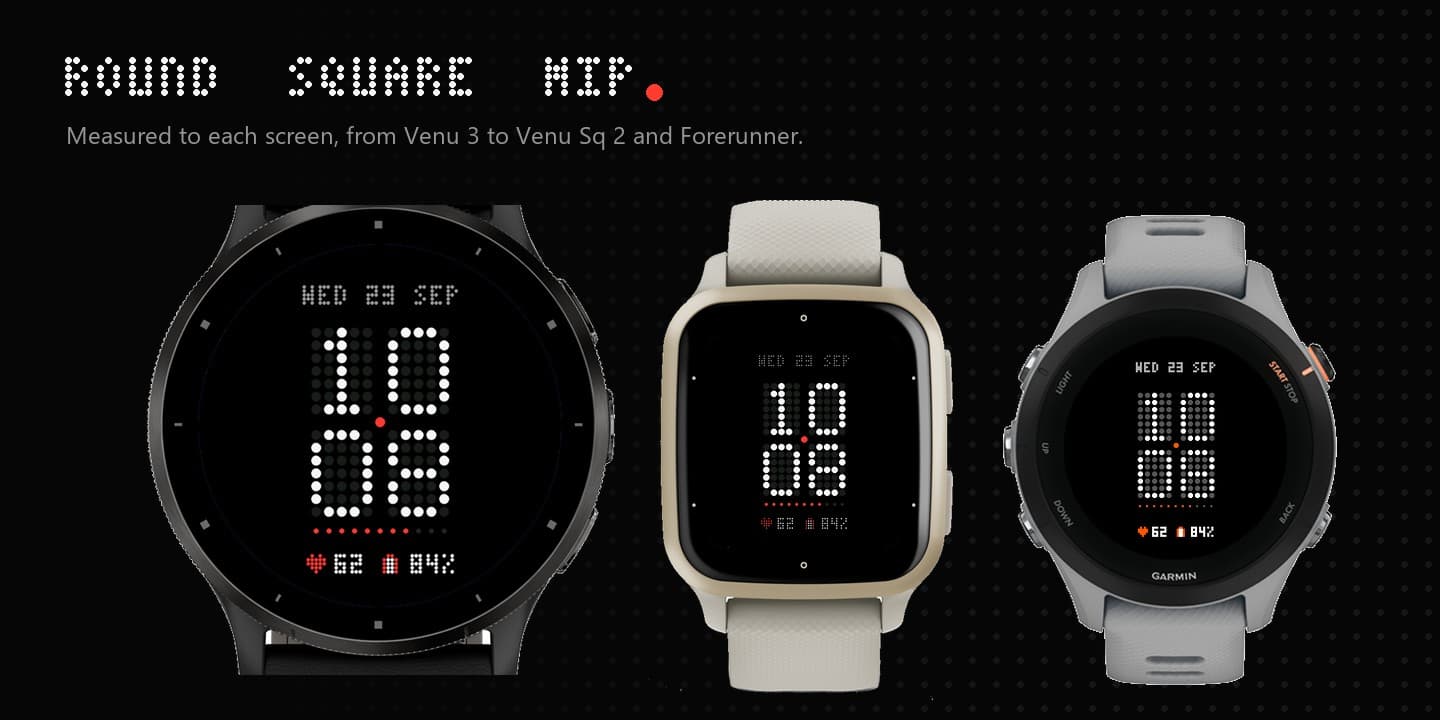
Dotform turns the Garmin display into one dot-matrix panel. The time is large 5x7 dots, with the unlit cells faintly visible behind it. A caption date sits above. One progress row and up to two data fields stay below. Eight accent colors and eight time colors, stacked or single-line time, round or square dots. Always-On follows the watch display setting. The same design is also being prepared for Wear OS.
How it works
01
Install from the NielsV Connect IQ profile when the listing is published.
02
Hold the face or open Customize: accent, time color, layout, dots, date, data fields, and progress row.
03
The Wear OS edition is a separate watch face at voortly.com/wear.
Install
Dotform is shown here with its Connect IQ store images. The listing link will replace this preview when the face is published. Wear OS is a separate product.
The Connect IQ listing is being prepared.
NielsV on Connect IQCompatibility
Round, square, and MIP layouts · Venu / Forerunner / fēnix / epix / vívoactive / Instinct families
CIQ 3.2.0+ · Native AOD with a sparse dot-matrix clock · Native AOD