01
Install Fanline from Connect IQ.
Loading
Your portfolio, moving forward.
Booting your dashboard shell
Syncing prices, analytics, and portfolio state...
What it does
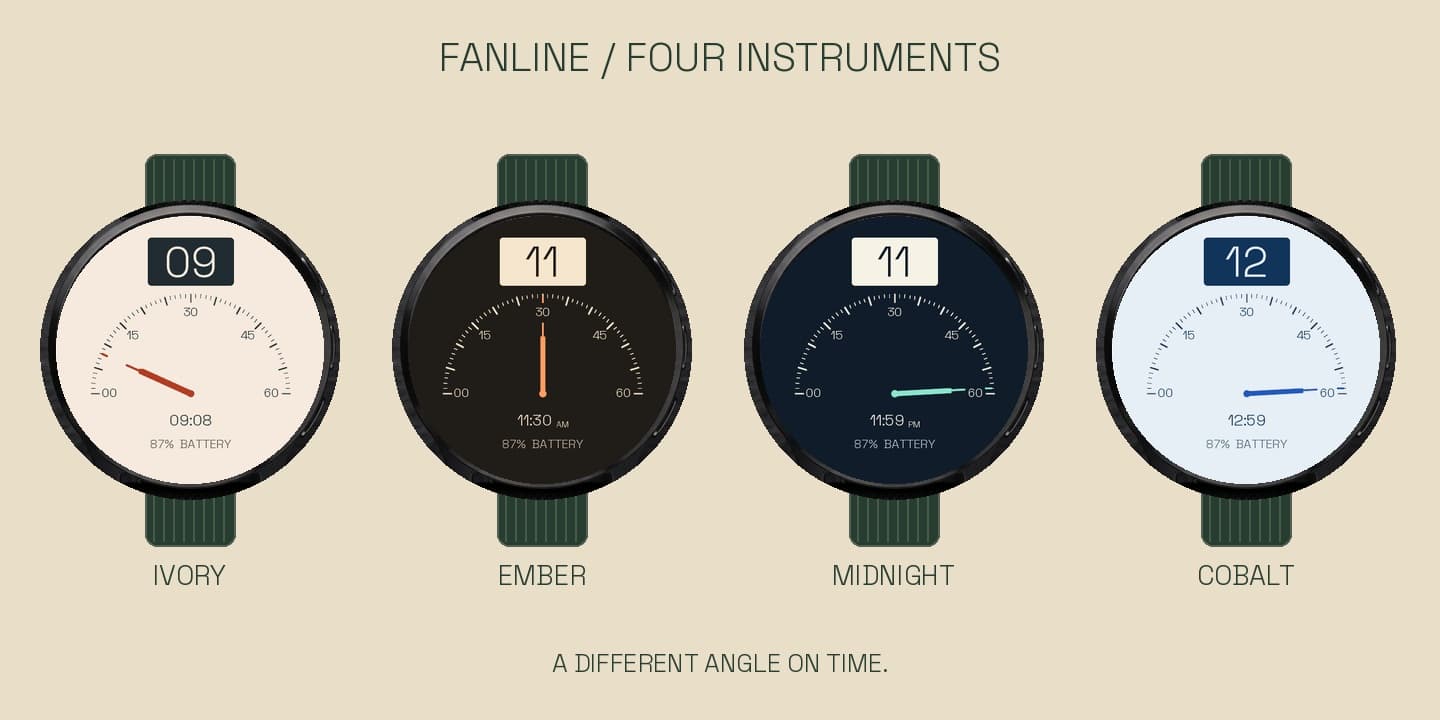
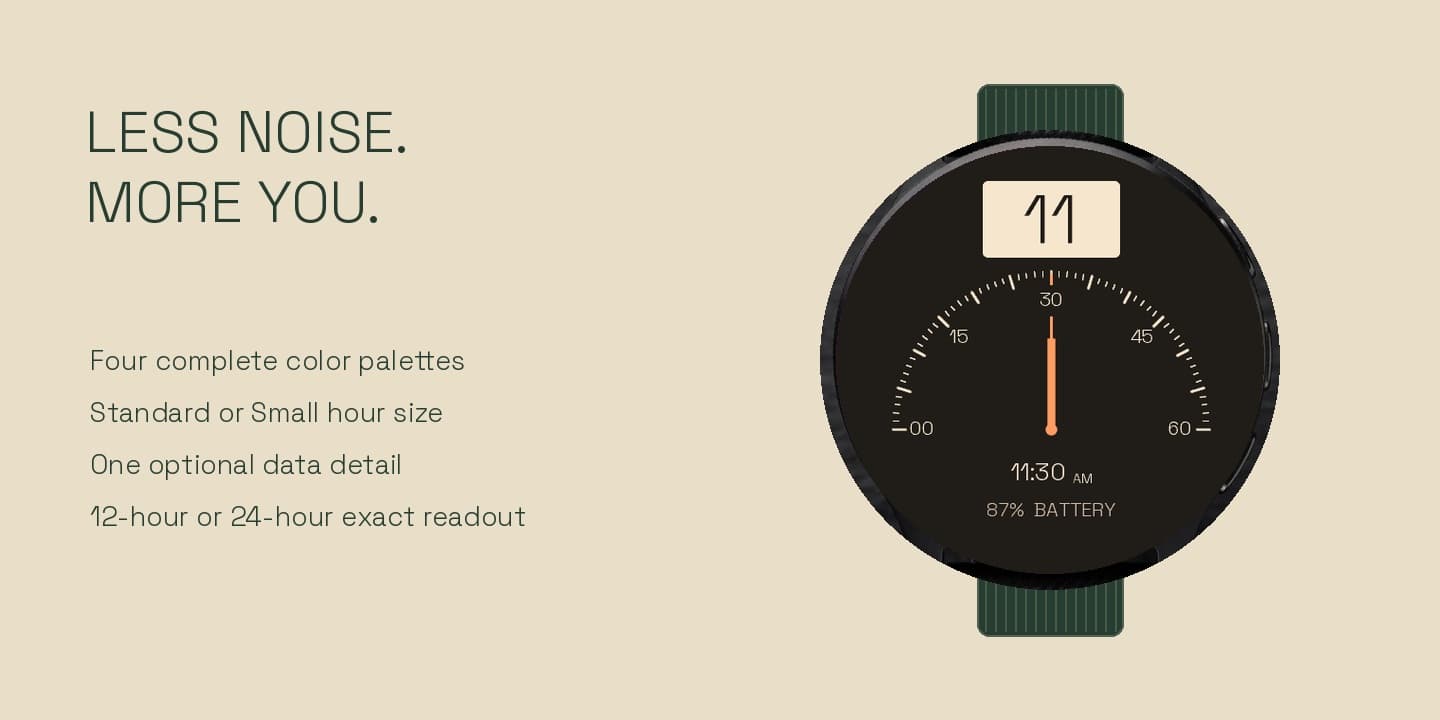
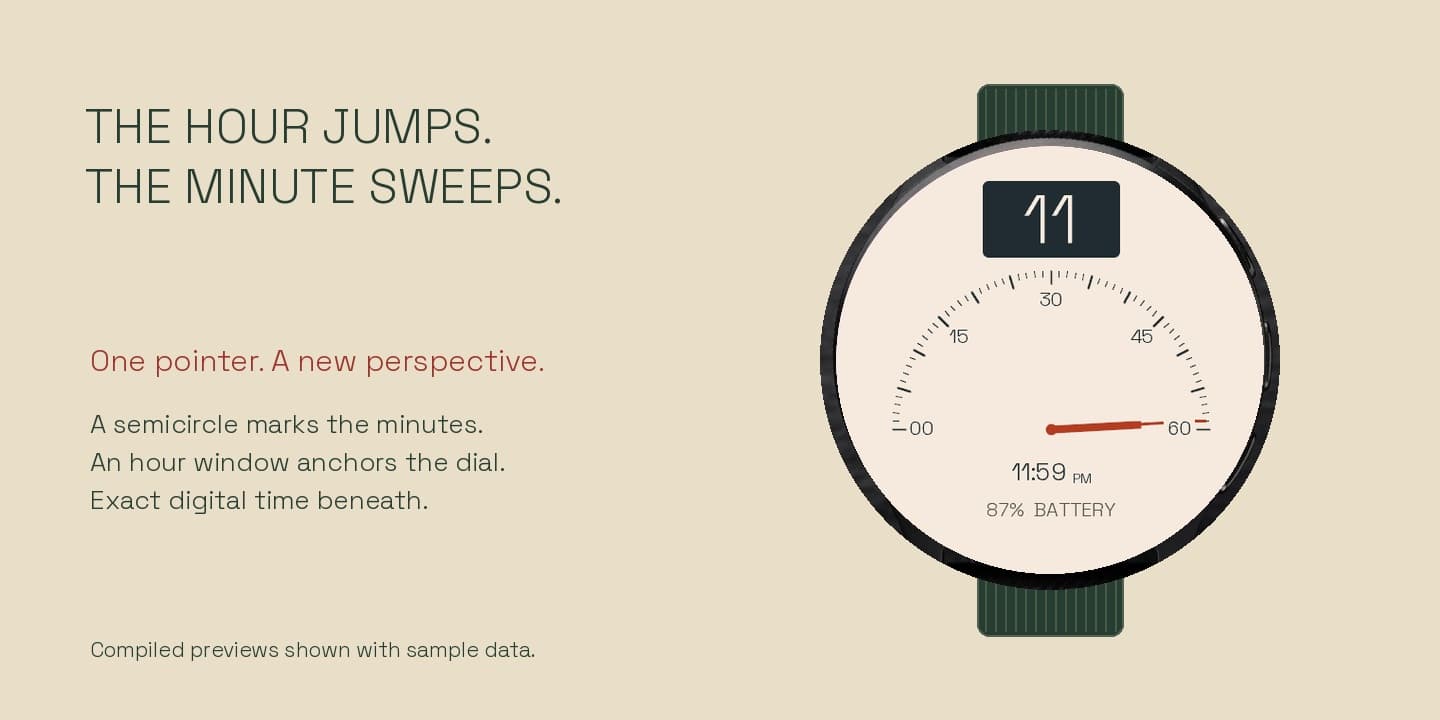
Fanline turns the minute into a single deliberate gesture. A pointer travels across a semicircular scale while a separate window shows the hour. At the next hour, the pointer returns to the left. A precise digital clock underneath keeps every glance easy. Choose Ivory, Ember, Midnight, or Cobalt; compact MIP displays use a high-contrast black-and-white version.
How it works
01
Install Fanline from Connect IQ.
02
Choose a palette, hour numeral size, time format, and one optional data detail.
03
The retrograde minute pointer updates once per minute; missing health readings show --.
Install
Fanline is free on Connect IQ. Install from the listing and customize palette, hour size, and data detail on the watch.
Install from the official listing. No KiezelPay.
Compatibility
Venu / Forerunner / fēnix / epix / vívoactive families · AMOLED and compact MIP displays
CIQ 3.2.0+ · Sparse native AMOLED AOD; high-contrast MIP layout · Native AOD