01
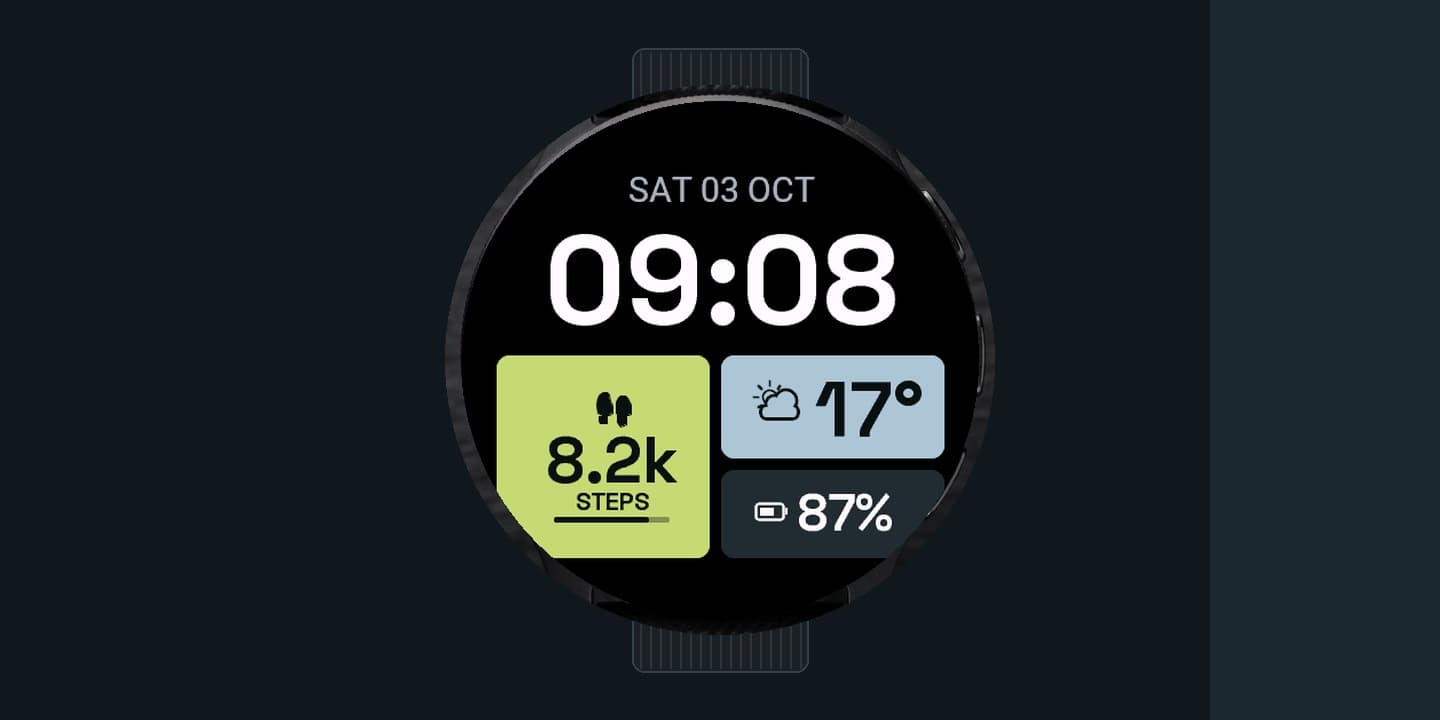
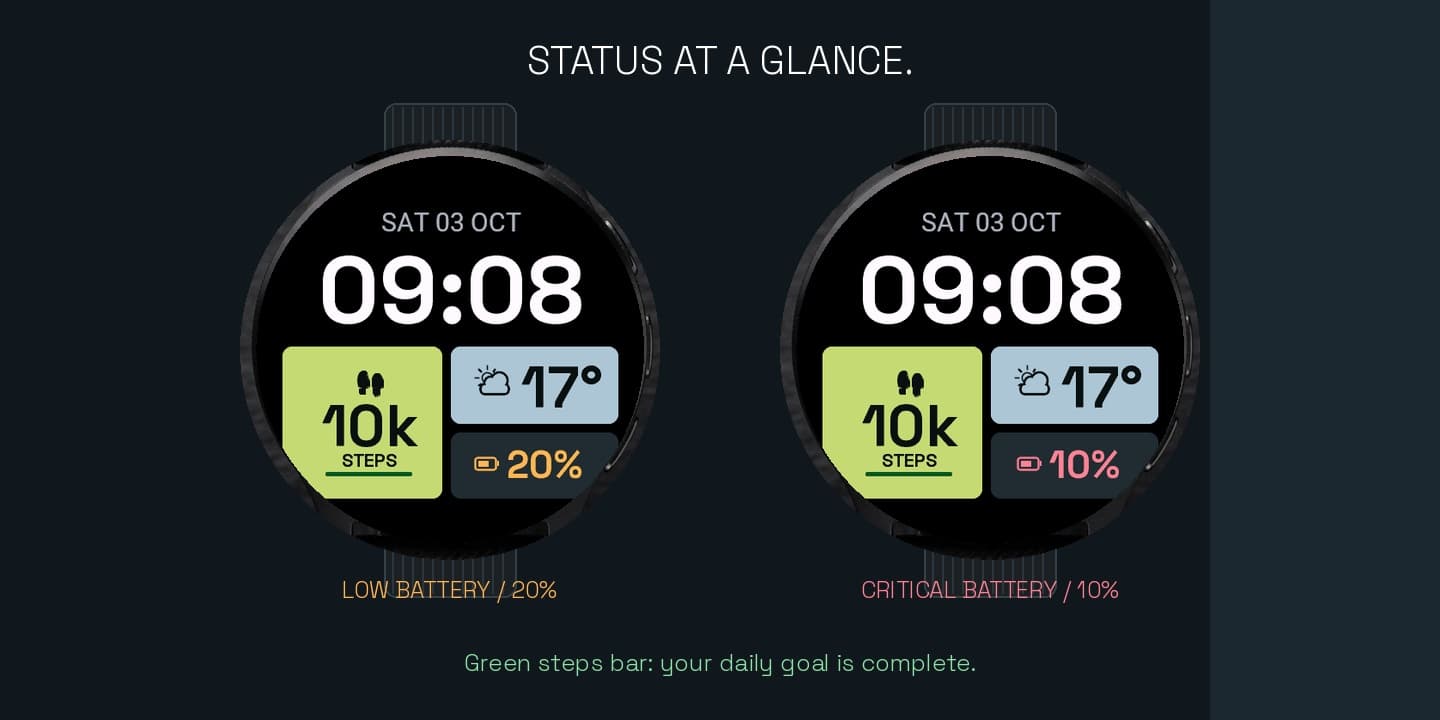
Read the large clock above three tiles: steps on the left, weather top-right, battery bottom-right.
Loading
Your portfolio, moving forward.
Booting your dashboard shell
Syncing prices, analytics, and portfolio state...
What it does
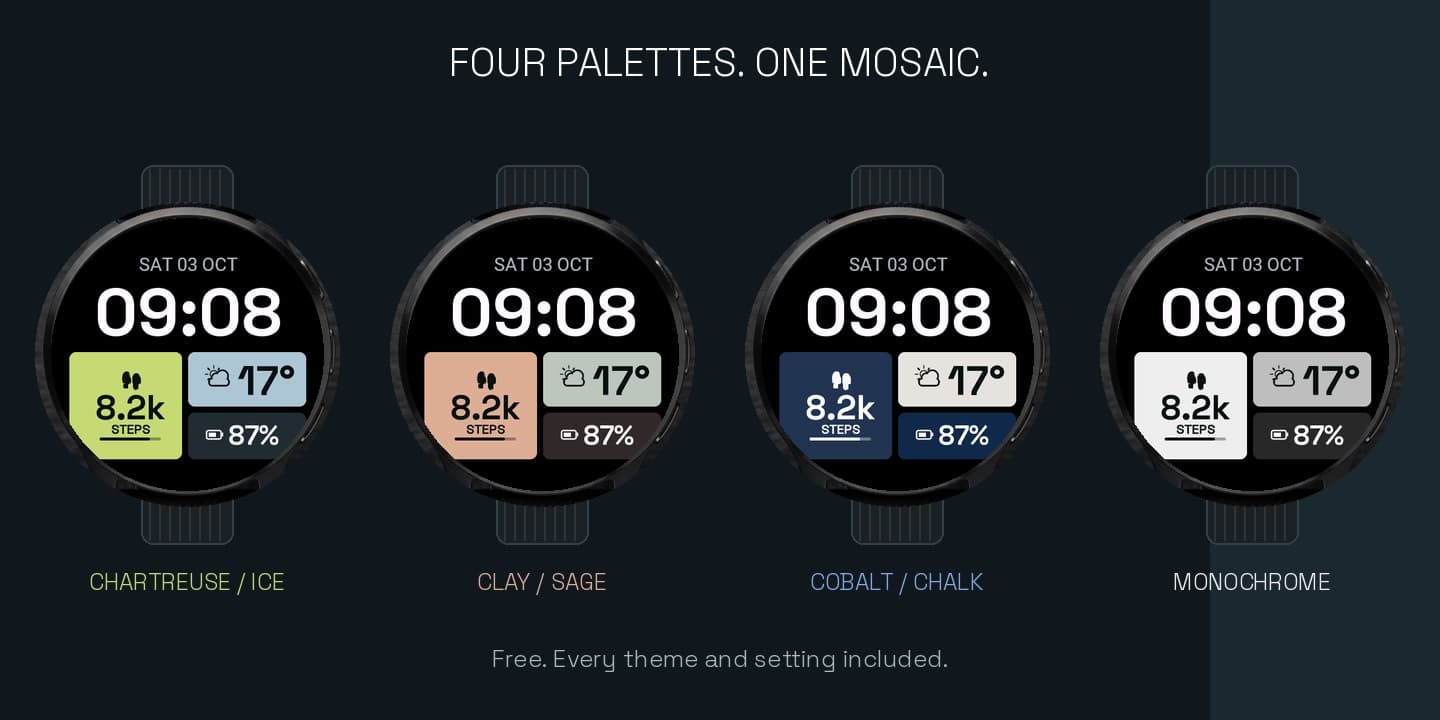
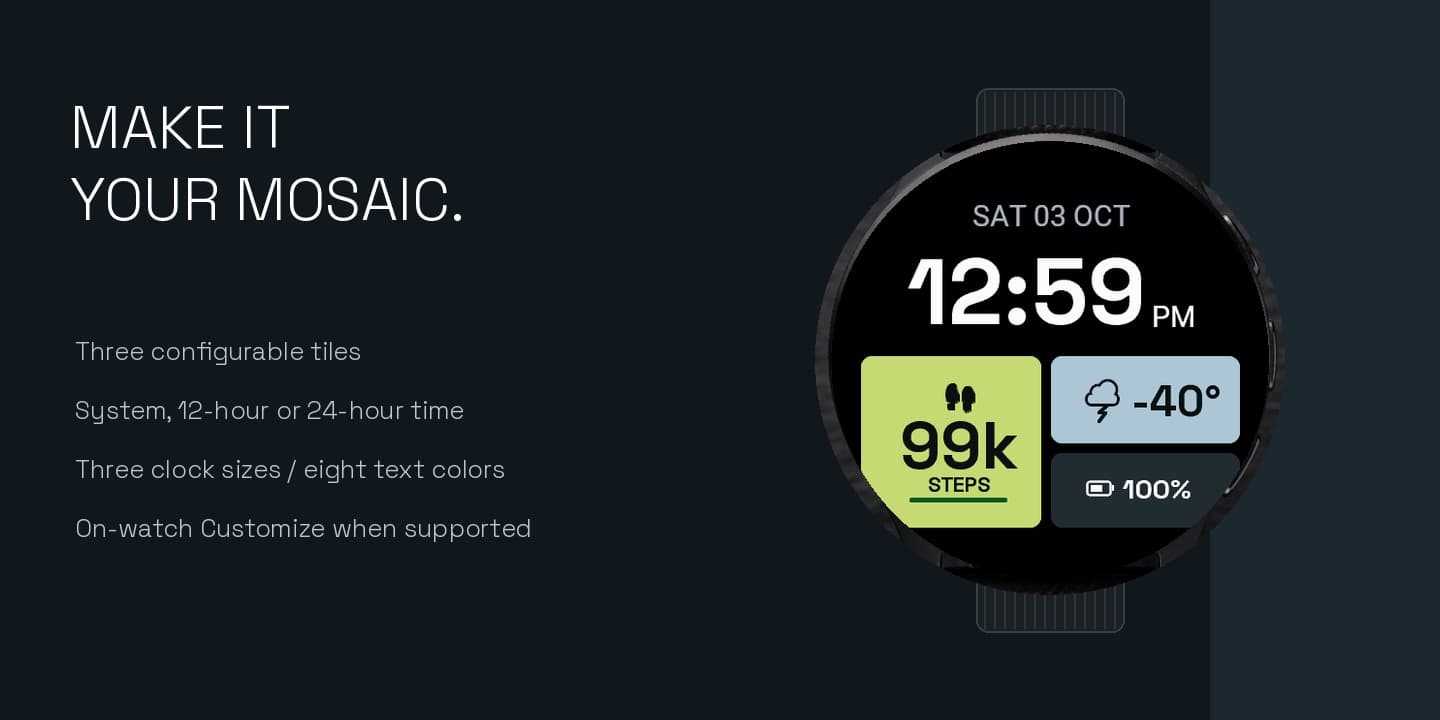
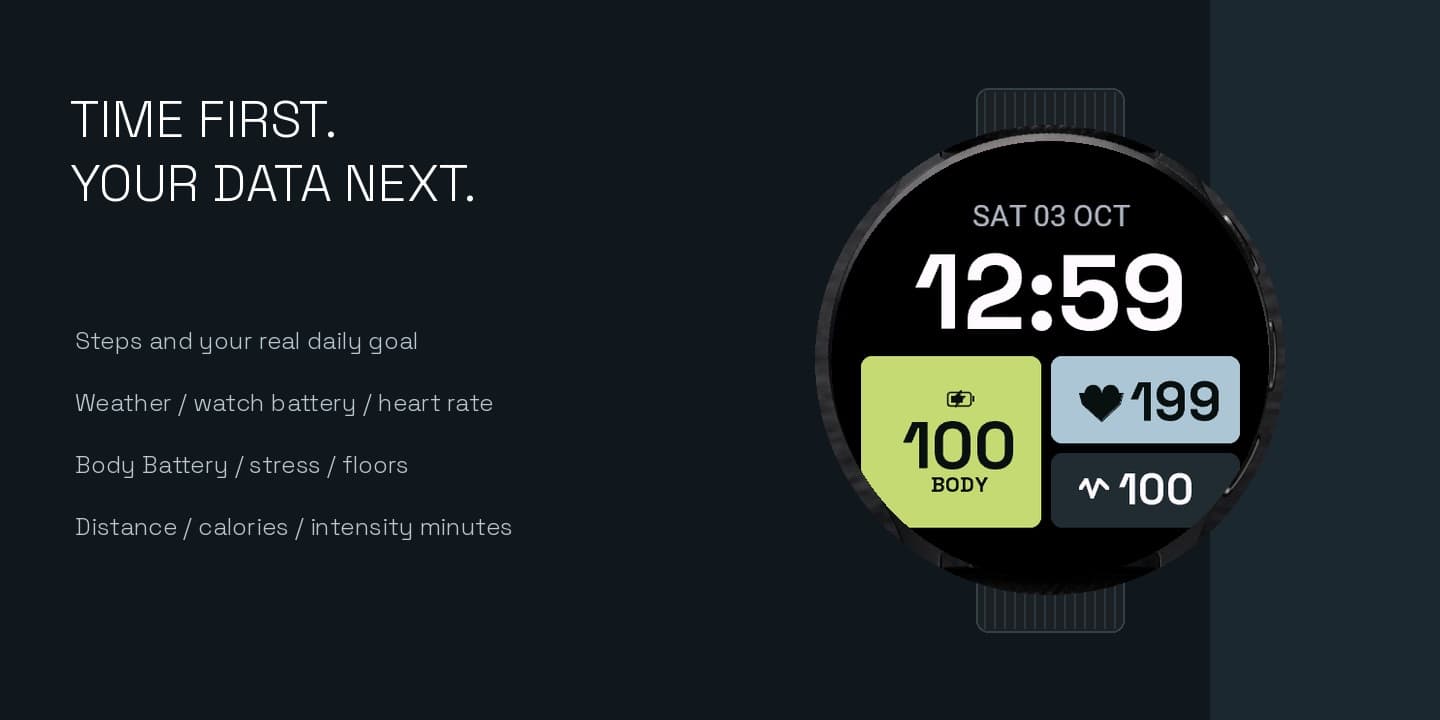
Mosaic Tiles is a free watch face with a large horizontal clock and three asymmetric data tiles. Chartreuse / Ice is the default, with Clay / Sage, Cobalt / Chalk, and Monochrome. The left tile starts on steps and the real daily goal, the top-right on Garmin weather, and the bottom-right on watch battery. Each tile can show steps, weather, watch battery, heart rate, Body Battery, stress, floors, distance, total calories, or intensity minutes, or be hidden. No payment, license, or separate weather account.
How it works
01
Read the large clock above three tiles: steps on the left, weather top-right, battery bottom-right.
02
Change each tile, the theme, the clock size, and the time and date color on the watch or in Connect IQ settings.
03
The steps bar turns green at the real daily goal. Battery turns orange at 20% and red at 10%.
Install
Mosaic Tiles is free. No KiezelPay, activation code, or extra account. The Connect IQ app page is not live yet, so this site entry is a preview until Garmin publishes it.
Not on Connect IQ yet. The store listing is still unpublished.
Compatibility
Launch devices: Venu 3, Venu Sq 2, Forerunner 55 · Declared support also includes Venu, Forerunner, fēnix, epix, vívoactive, Instinct 3 AMOLED, MARQ, Approach, D2, Descent, and Enduro families
CIQ 3.2.0+ · Native sparse AMOLED AOD; MIP keeps the regular minute face · Native AOD